
Optional companion for Item Nicknames. Ships a starter set of search aliases for common vanilla and Space Age prototypes: circuits as chip boards, science packs as colored flasks, and similar shortcuts you can keep, edit, or remove.
Requires Item Nicknames. Space Age is optional; rows for Space Age-only prototypes are ignored when that expansion is not enabled.
Quick start
- Enable Item Nicknames and Item Nicknames: Example Pack.
- Restart Factorio so startup settings apply.
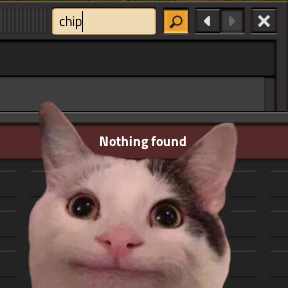
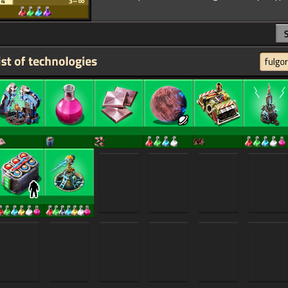
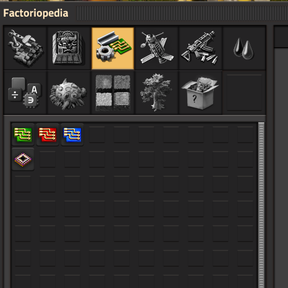
- Search in crafting, Factoriopedia, or the technology list using the example aliases (for example search chip for circuits or fulgora for Fulgora-related tech).
The pack is on by default through the startup setting Example nicknames (item-nicknames-pack-example).
Editing or disabling the pack
- Open Item Nicknames from the shortcut bar.
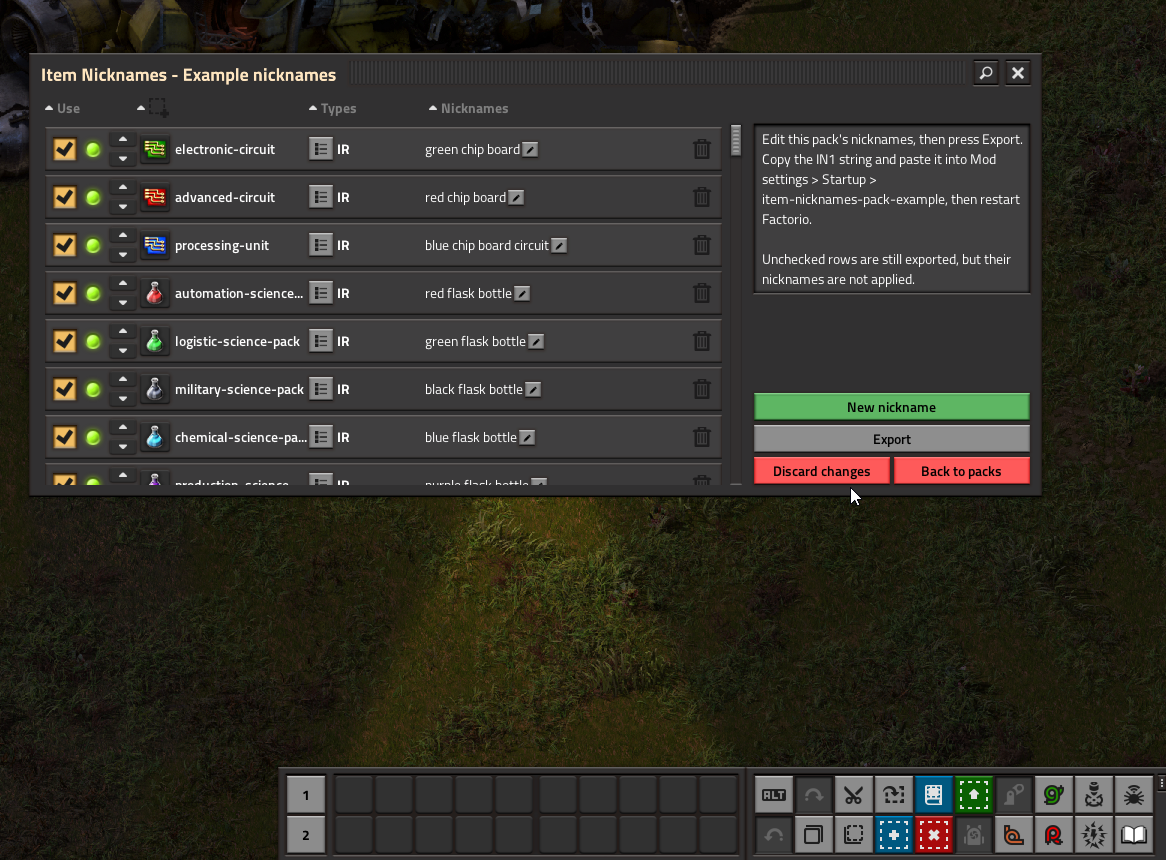
- Click Nickname packs, then Example nicknames.
- Change rows, or uncheck rows you do not want applied.
- Press Export, copy the IN1 string.
- Paste into Settings → Mod settings → Startup → Example nicknames and restart.
To disable only this pack, clear that startup setting (or paste an empty value) and restart. Your Custom Nicknames from the core mod are unchanged.
Pack nicknames merge with your personal list; they do not remove tokens you added under Custom Nicknames.
Screenshot
Search examples
With the example pack enabled you can try aliases such as:
- chip — electronic and advanced circuits, processing units
- flask — science packs
- fulgora — Fulgora-related technologies (Space Age)
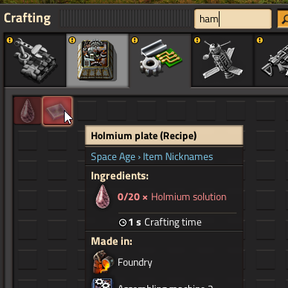
- ham — holmium plate (Space Age)
Exact coverage depends on which expansions and mods you have enabled.
Source and issues
Pack data and updates are maintained on GitHub. Format and API details are in the core mod repository.