
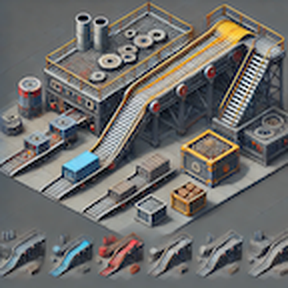
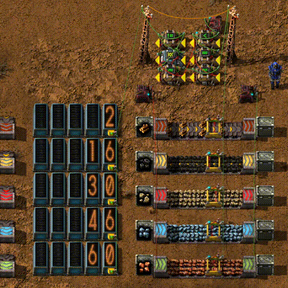
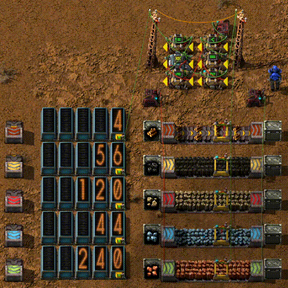
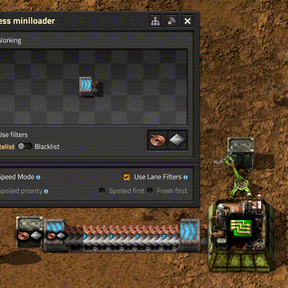
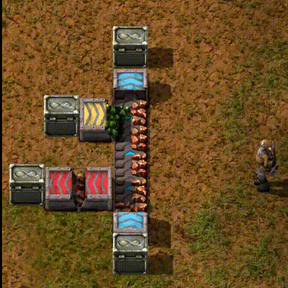
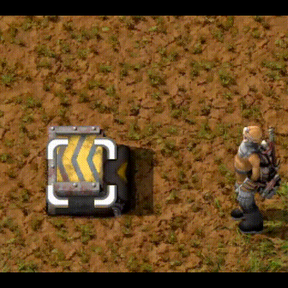
A compact loader that can replace inserters in many situations when loading from/to a belt.
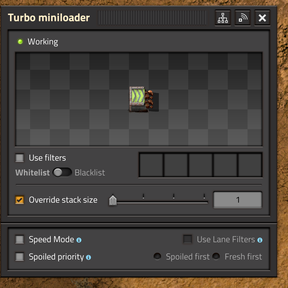
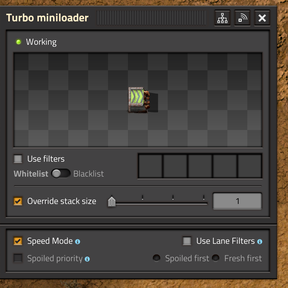
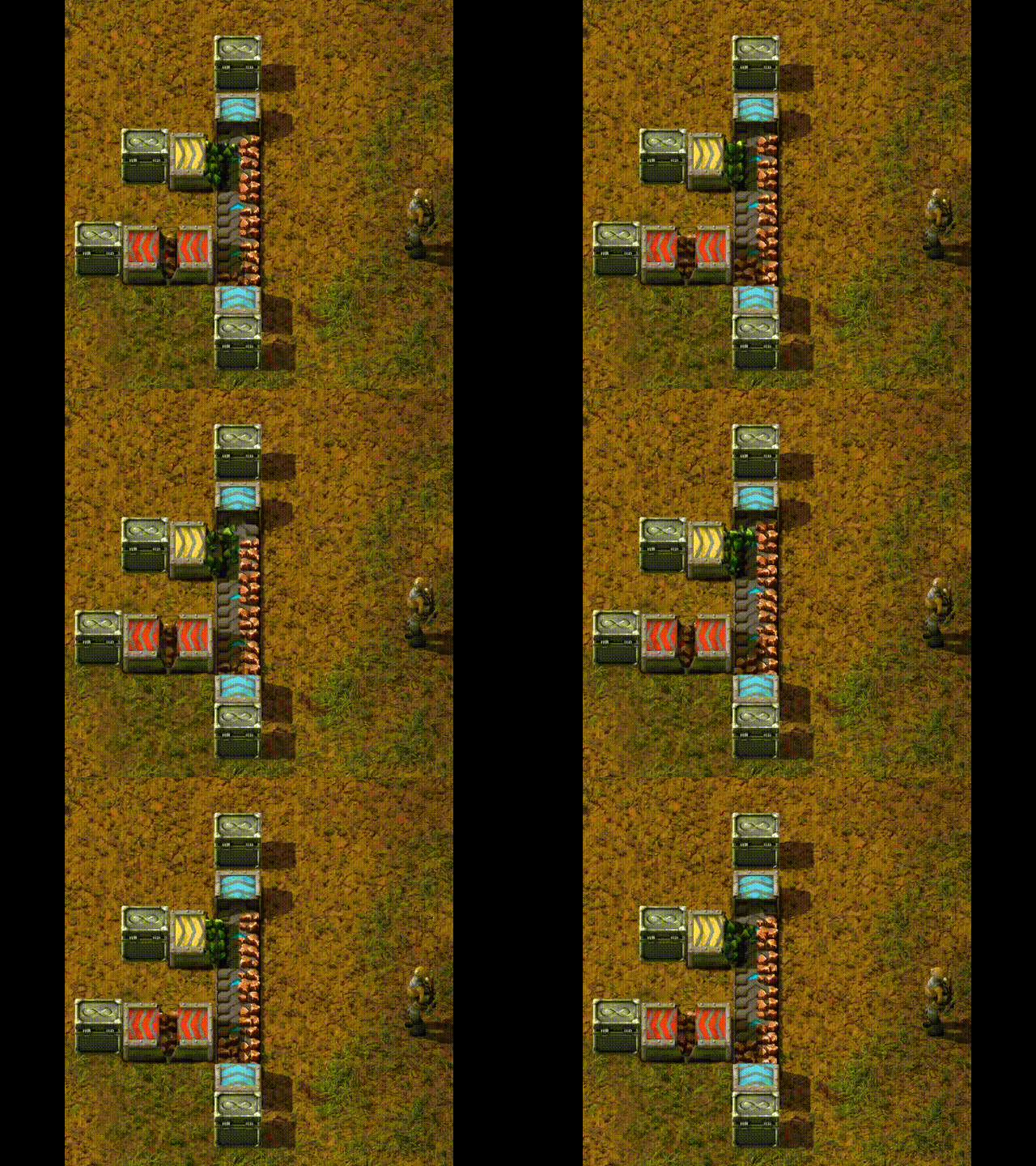
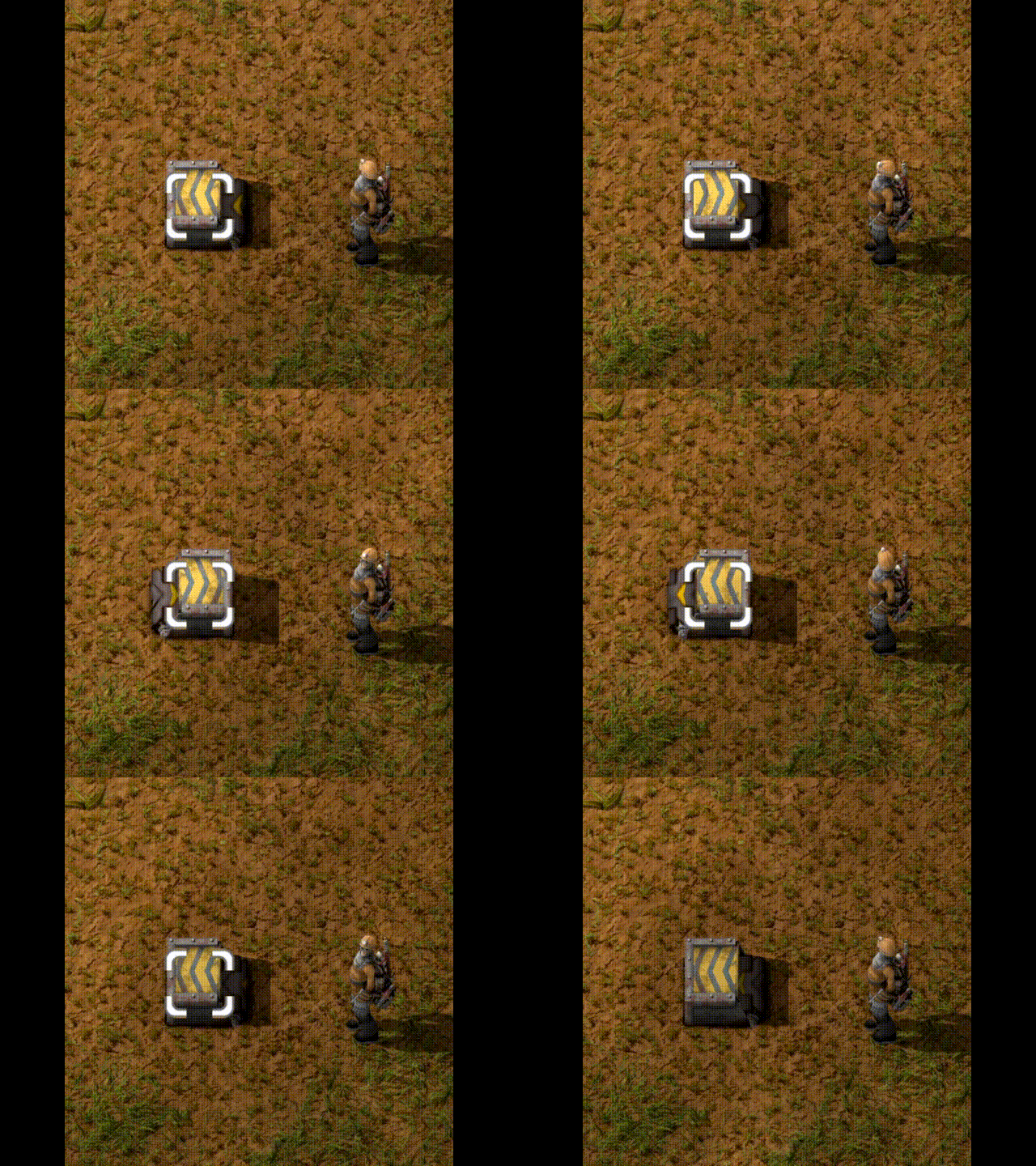
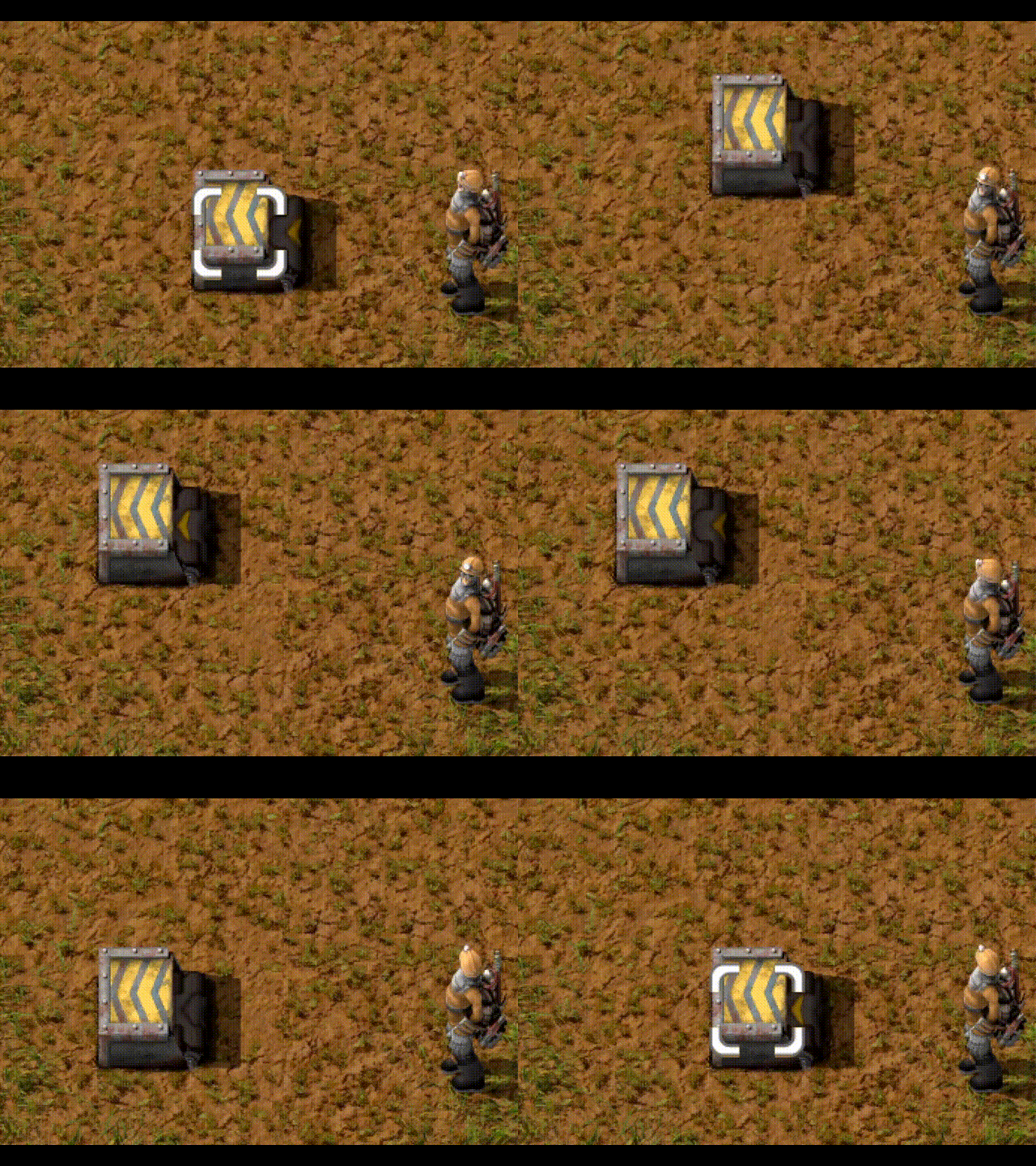
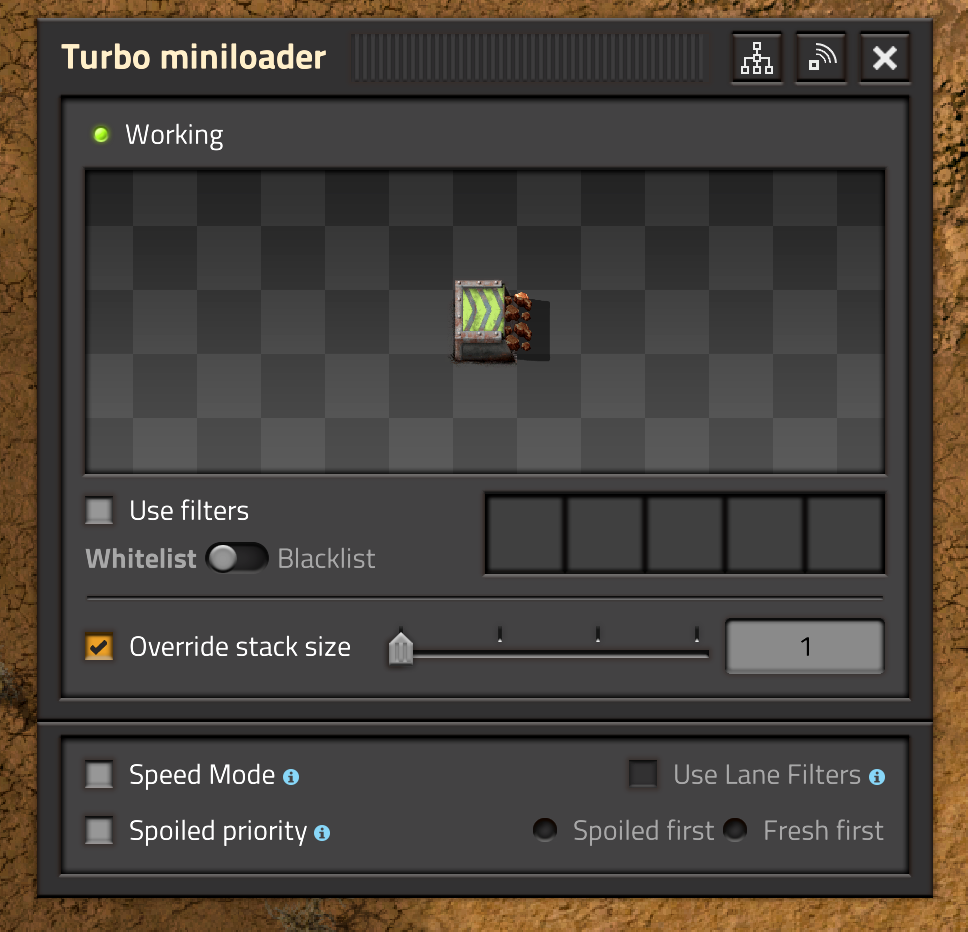
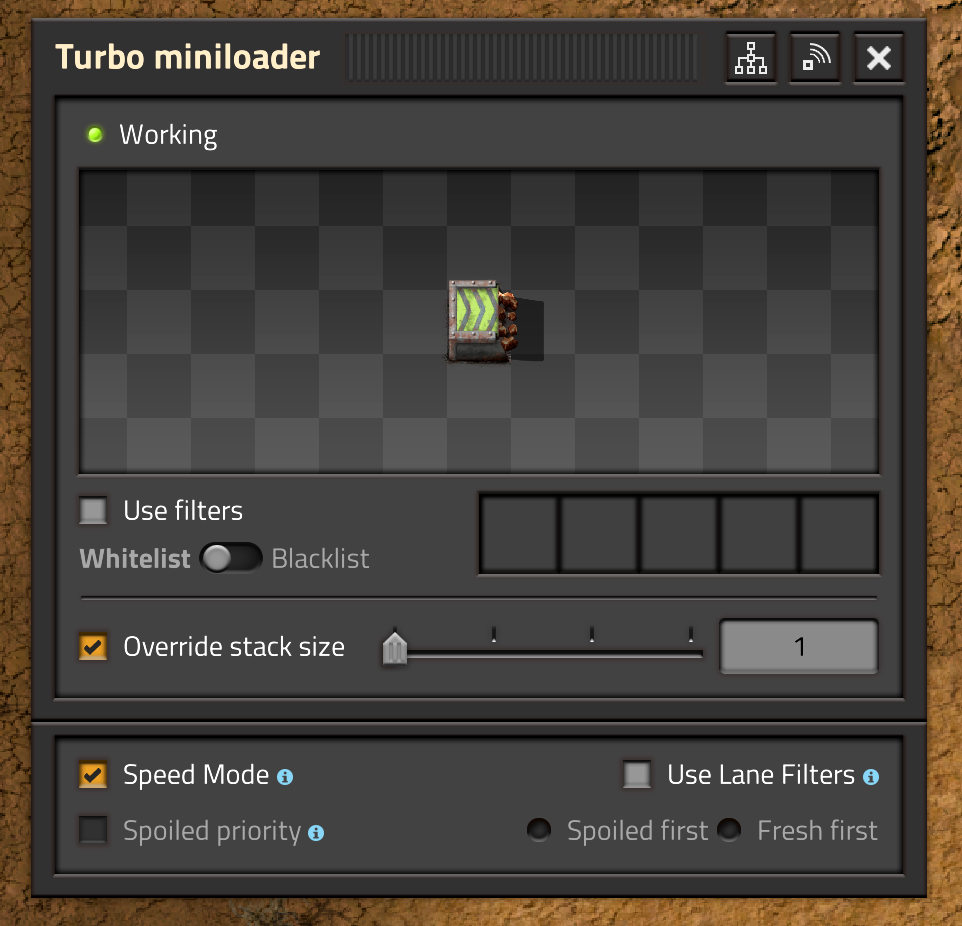
Miniloaders can have different modes:
Features
- 1x1 compact size
- Extended UI
- can be moved with Even Pickier Dollies
- flips through belt directions and orientation when rotating
- supports Fast replacement, Blueprinting, Copy&Paste, Cloning
- supports undo/redo for configuration changes
- supports parameterized blueprints
- supports migrating 1.1 games from the "old" Miniloaders to Miniloader (Redux) with a startup setting
- when stacking is available (Space Age), stacking is supported by "Vanilla", Fast and Turbo loaders
There are three tiers in the base game ("Vanilla", Fast and Express) and four when playing Space Age (adds Turbo mode) which match the belt speeds.
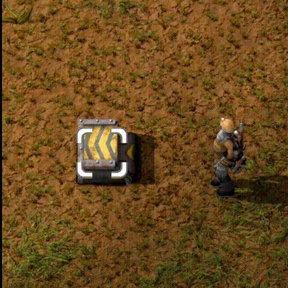
A simple "chute" loader is available early in the game (enable in Startup settings). The chute loader only supports normal mode and has no GUI.
Operation Modes
Normal mode (which is the default)
- supports sideloading from/to a belt
- In Space Age, supports spoilage priority
- degrades with belts above 240 items/sec (The fastest "official" in-game belts are Space Age Turbo Belts, which move at 60 items/sec)
Speed mode
- can only interact with entities that are a container or container-like (e.g. cargo wagons or assembly machines)
- supports speeds up to 480 items/sec
Lane filter mode
- only available in Speed Mode
- has a single filter for each lane, one for the left lane and one for the right lane
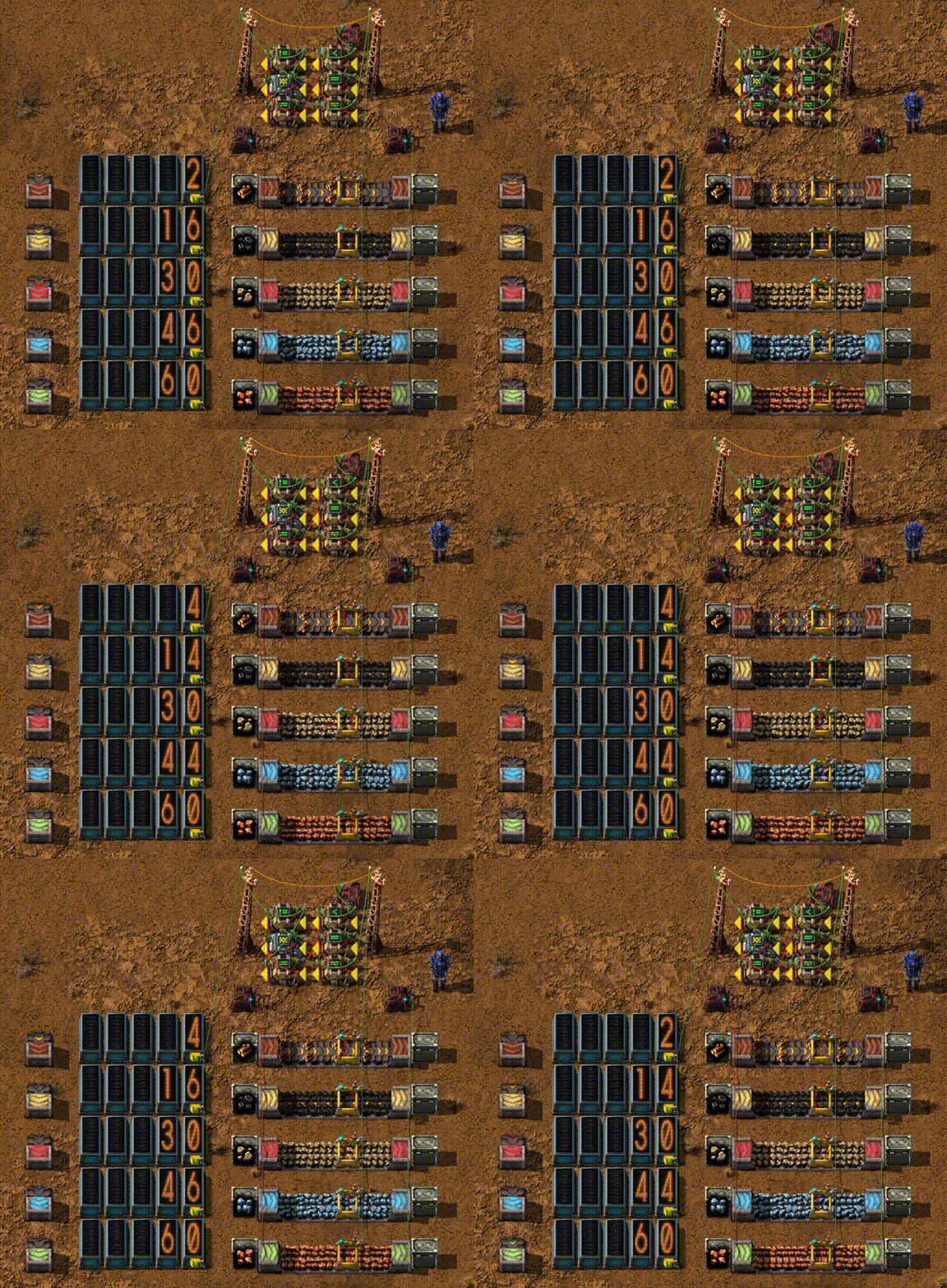
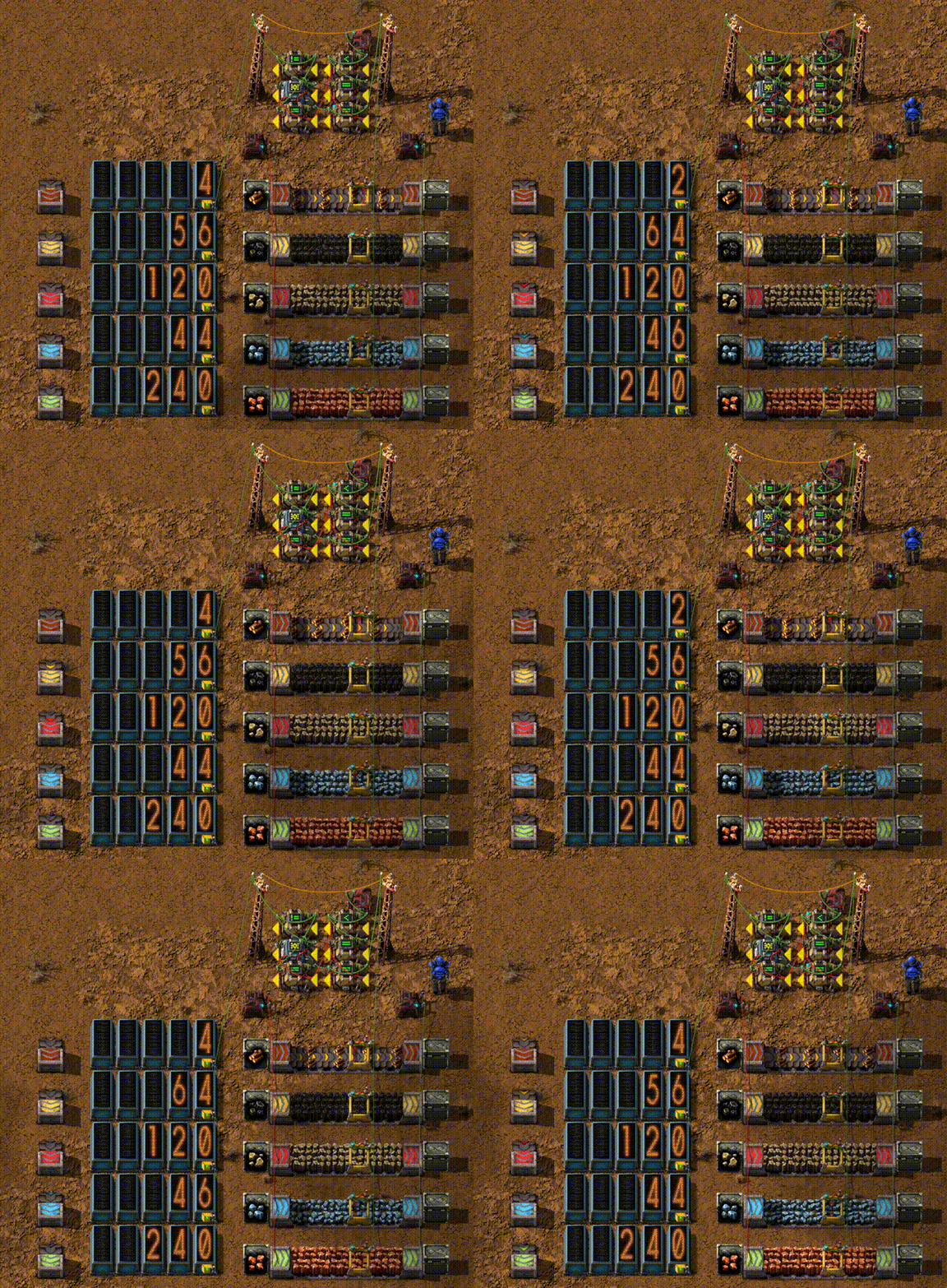

Miniloader supports some other mods:
- Matt's Logistics
- Krastorio 2
- Bob's Logistics
- Advanced Furnaces 2 SpaceAgeFix
- Space Exploration
- TurboBelt
These miniloaders are activated if the corresponding module is detected.
Getting the speeds for additional tiers beyond the basic levels (base games and Space Age DLC) is tricky and the game mechanics are stretched when going faster than ~ 120 items/sec. Supporting faster loaders is at best unreliable and might be outright wrong. YMMV.
I am open to support additional tiers from other mods from PRs but I do not plan to actively add any support for other mods. See adding more miniloaders for other mods for details on how to add loaders for other belt tiers.
Limitations
- High speed (> 120 items/sec) miniloaders will only achieve maximum throughput when using Speed Mode.
- When sideloading in Normal Mode onto a belt with High speed miniloaders, they may spray items across both lanes of the belt they are loading to.
- Stacking (in Space Age) is only available for some Miniloaders. Stacking for the "Turbo" miniloader is equivalent to the pre-1.0 Stacking miniloader. Existing Stacking Miniloaders are converted to "Turbo" Miniloaders.
Blueprint compatibility
All Miniloader versions can read blueprints that were created with older versions of the Miniloader. Especially, any version after 1.0.0 can read blueprints created with versions before 1.0.0.
When downgrading the Miniloader to a version before 1.0.0, it must be the latest version before 1.0.0 (currently that is 0.13.2) as this will be the only version that supports reading newer blueprints and converting them back to the pre-1.0.0 format. Any other version may crash the game, not read the blueprint or behave in an undefined way.
Item spilling
Starting with 1.0.0, Miniloader supports multiple modes which require rebuilding the actual loader itself. When doing this, items that are currently in the loader would be lost. Similar, when changing filters, it is possible that items get stuck inside the loader which would stop it from functioning.
If a Miniloader is pushing into or pulling from a chest, it will try to move such items back into the chest. However, if the chest is full, the Miniloader can either spill the items around its position (and mark the items for pickup by robots) or silently discard those. For high value items (such as science packs or processing units), spilling is better, for low value items (ores, plates etc.), discarding is more convenient because there are no items lying around.
There is a startup setting that defines the default for new miniloaders and each miniloader can be individually configured through the GUI. The setting is preserved in blueprints and through copy-paste.
FAQs
I get an error about some "collision_mask" problems, how can I fix this?
When using Miniloaders with some other mods (most prominent offender seems to be the Advanced Furnaces 2 SpaceAgeFix mod), the game fails to load with an error message like this:
Failed to load mods: entity prototype "... some miniloader entity ending in -l..." (loader-1x1) collision_mask(Modifications: Miniloader (Redux)) must collide with entity prototype "... some entity ... " (loader-1x1) collision_mask(...).
This happens when the other mod does not declare collision with the transport_belt layer. The default collision mask for loaders includes this and most custom loader should simply use the default.
Starting with version 0.10.2, there is now a startup switch (Sanitize non-Miniloader loader entities) that tries to 'fix up' such loaders. It adds the transport_belt layer to the collision mask of all configured loaders.
Note that this may break functionality of those other loaders. If that is the case, the mod and Miniloader are not compatible.
If you encounter this error, try enabling this setting first. It has no permanent effect on the game; if it breaks another mod, simply uncheck it again.
To enable this setting, when the game fails to start:
- first disable the other mod that causes the problem. Keep Miniloader enabled
- set the startup setting and restart the game
- re-enable the other mod
How you can help
I am not a graphics person. E.g. Matt's Logistics belts have a different tint and I convinced ChatGPT to recolor the existing graphics with a different tint that somewhat matches the belts. But getting better graphics would be greatly appreciated.
See adding more miniloaders for other mods for details on how to add loaders for other belt tiers.
Config options
Default Mode (Runtime, per User)
Controls which mode a newly constructed Loader uses (Normal, Speed Mode, Lane Filter)
Default value is "Normal".
Loader Snapping (Runtime, per Map)
Similar to other mods, Loaders can automatically "snap" to entities that are either placed around them or when they are placed next to entities. The snapping algorithm differs from other loaders, though. It only takes entities at the "loader" end into account and tries to be smart (the old Miniloader notoriously "flipped" around if it was placed with the non-loader side next to a belt).
Default value is "on".
Enable Chute miniloader (Startup)
Enables a simple, "gravity driven" Miniloader that is very slow (1/4 speed of a "Vanilla" Miniloader but still much faster than e.g. a "Vanilla" Inserter). It is available as soon as "Logistics" has been researched and 100 iron gear wheels have been crafted.
The chute loader is very helpful in the base game but may be considered OP compared to regular inserters.
Default value is "off".
Don't consume power (Startup)
All miniloaders no longer consume any electrical (or other) power. They just work. Because they are not OP enough as-is.
Default value is "off".
Check Speed Mode (Startup)
All miniloaders are checked whether they interact with a chest or an assembly machine. If yes, enable Speed Mode for that miniloader. This is useful when migrating a game that uses miniloaders before 1.0.
Default value is "off".
Spill stuck items on the ground (Startup)
A Miniloader consists of multiple entities and it is possible when switching filters or the operations mode that items get stuck inside the loader which will block its operation. The Miniloader can either remove these items and spill them on the ground, marking them for pickup by robots or silently discard and destroy these items. This is the default setting for new miniloaders which can be changed in the GUI.
Default value is "on".
Migrate Factorio 1.1 Miniloaders (Startup)
(This setting has not been tested in a while. If you use it and encounter errors, I am very interested in hearing about them)
This option needs to be enabled before opening a 1.1 saved game in Factorio 2.0. It is not necessary to have the old Miniloader module installed (which is not 2.0 compatible). When opening the game, all existing Miniloaders will be migrated to Miniloader (Redux) and all blueprints in the game library and in players' main inventory, that reference the old miniloaders will be automatically updated as well (The player library can not be updated as it is read-only to mods).
- Miniloader, Filter Miniloader -> Miniloader
- Fast Miniloader, Fast Filter Miniloader -> Fast Miniloader
- Express Miniloader, Express Filter Miniloader -> Express Miniloader
Note that this will not migrate any custom tier loaders (as of now).
Default value is "off".
Sanitize non-Miniloader loader entities (Startup)
Patch non-Miniloader loader-1x1 entities to collide with the transport_belt layer. See the section Fixing Collision mask failures above for an explanation. This is a highly experimental and dangerous setting. If you do not encounter any errors with other mods, do not enable.
Default value is "off".
Support Blueprint Mods (Startup)
This is a workaround for an issue with the Factorio game itself. It allows Blueprinting mods such as Blueprint Sandboxes or Blueprint Shotgun
to upgrade/downgrade Miniloaders. This is a highly experimental and dangerous setting and a "best effort" working around the issue and a Miniloader may lose part or all of its configuration in the process. If you encounter any errors with this setting, do not enable.
Default value is "off".
Debugging Mode (Startup)
Show pickup, dropoff positions for the internal inserters and the area scanned when placing loaders or other entities when loader snapping is enabled. Useful for troubleshooting / but reporting but should not be needed otherwise.
Default value is "off".
Console commands
/inspect-miniloaders - Inspect miniloader status
There are a number of spurious bug reports from users where the miniloader module crashes with
Error while running event miniloader-redux::on_built_entity (ID 6)
miniloader-redux/scripts/controller.lua:181: assertion failed!
stack traceback:
[C]: in function 'assert'
miniloader-redux/scripts/controller.lua:181: in function 'create_loader'
This should only happen if a miniloader was not cleaned out correctly and some of the internal (invisible) entities have remained. In that case, the /inspect-miniloaders command can scan all miniloaders and remove such remnants. When the command completes, it will report:
[Inspect Miniloaders] Invalid entities detected: MiniLoaders: 0 / Internal Loaders: 0 / Internal Inserters: 0.
[Inspect Miniloaders] Invalid entities removed: Entities: 0, MiniLoaders: 0 / Internal Loaders: 0 / Internal Inserters: 0.
The first line lists all entities that were discovered but are invalid. Such entities have been marked for deconstruction or are otherwise invalid. This line should normally have all 0 values.
The second line lists the number of inconsistent entities that were removed. A non-zero value here means, that there might be miniloaders removed from the current game. The last three numbers are orphaned internal entities.
If the error above occurs, please run the command when reloading the game.
Please file a bug on github when
- running the command reports all '0' values in the second line (especially the "Internal Loader" value)
- The command reports all '0' values but the crash still occurs.
/control-miniloader-inserters (on|off)
Turn the internal inserters in all (!) miniloaders on and off. This is only for debugging. When running /control-miniloader-inserters off, all miniloaders should cease to move items. If any miniloader still moves items after running this command, please file a bug report. All inserters are reactivate with /control-miniloader-inserters on.
/rebuild-miniloader-inserters
Tear down and rebuild all internal inserters. This is useful for debugging if a template changed and the hand size and/or inserter count for a miniloader change.
/resync-miniloaders [speed]
Reloads the configuration for all miniloaders. If the speed parameter is given, also check whether Speed mode can be enabled.
Planned features
- There are no additional features planned.
Known issues
- Power consumption is a mess. There are a number of "hidden" entities which show up in the power graph. Miniloader have the same "peak" power consumption in every mode but may pull different amount. Generally, Speed mode will have a higher base consumption independently of the number of items moved while normal mode will scale with the number of items moved.
- Wire connections are invisible (see this forum post).
- The entity info on the right side will show "disabled by script" in Speed Mode.
- The Loader UI will show "Stack Size Override" for stacking.
- Similar to the old Miniloader module, Blueprints do not show the "correct" orientation of the loader due to limitations of the game.
- The rotation speed reported for a miniloader is wildly different based on the hand size and the inserter count.
- Higher speed (> 240 items/sec) loaders behave strange in Speed Mode. To get maximum performance, match the loader and belt speed exactly.
User feedback
Miniloaders (redux) are better at balancing belts or belt lanes equally than most other loaders.
Firstly, if you make multiple miloaders unload from a chest to belts such that the belts are mostly empty and can carry away more output than the chest can supply, then each belt will get loaded an equal throughput of items. Other loader mods can't do this, they will often unpredictably unload some output belts with more items than other output belts. As far as I know, the only loaders that have this behavior is Minilaoders (redux) and therax's original Miniloaders.
Secondly, if you use a miniloader to load into a chest, and the input belts are mostly full, the chest gets emptied slower than the belt can supply them, then the miniloader will pull from the two lanes of the input belt equally. Most loaders from other mods will favor one lane, and if the chest gets emptied slower than one lane's speed, they will only pull items from one lane. As far as I know, Miniloader (Redux) is the only mod with this property.
These balancing properties are very useful. Especially together with large chests from other mods, miniloaders can replace most belt-based balancers or lane balancers with easier constructions. Because this is so useful, I think you should advertise this in the module's long description on the mod portal, and perhaps in screenshot images too.
Loaders combined with large chests also let you easily configure priorities between multiple input and output belts to any order you want, and it's easy to change these priorities. Multiple loaders load a chest lets you balance input belts equally, and a loader unloading a chest lets you balance output lanes easily. These are also useful, but they also work with other loader mods that use Factorio's built-in loader entity (starting from Factorio 2.0).
Credits
- Therax created the original miniloader.
- Kirazy made the the original graphics; taken from the miniloader mod
Legal & Copyright
The code was partially written and reviewed by AI coding agents. If you are fundamentally opposed to using AI tools to develop software and improve software quality, you are free to not install it.
Copyright (C) 2025-2026 Henning Schmiedehausen (@hgschmie), licensed under the MIT license.