
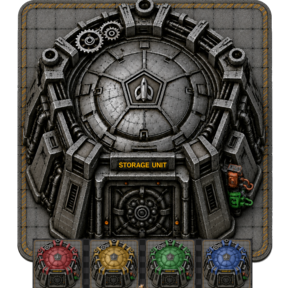
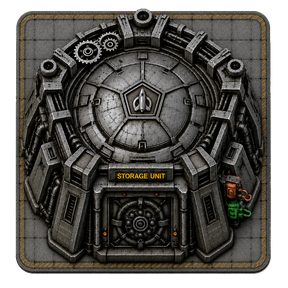

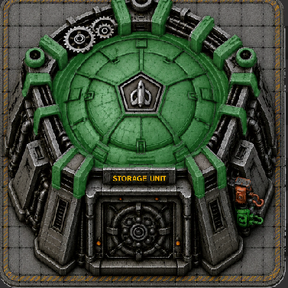

Filtered 9×9 Steel Chest
The Filtered 9×9 Steel Chest is a configurable, Rocket Silo-sized container designed for large quality-processing, recycling, ore-voiding, and megabase storage systems.
It can be used in two closely related ways:
- As a lightweight replacement for Rocket Silos being used only as storage buffers.
- As a configurable, high-capacity storage silo for items.
Rocket Silos are sometimes used as central storage buffers because their 9×9 footprint provides a large perimeter for inserters and recyclers. However, a Rocket Silo also includes rocket-launching and orbital-delivery functionality that is unnecessary when the entity is only being used as a container.
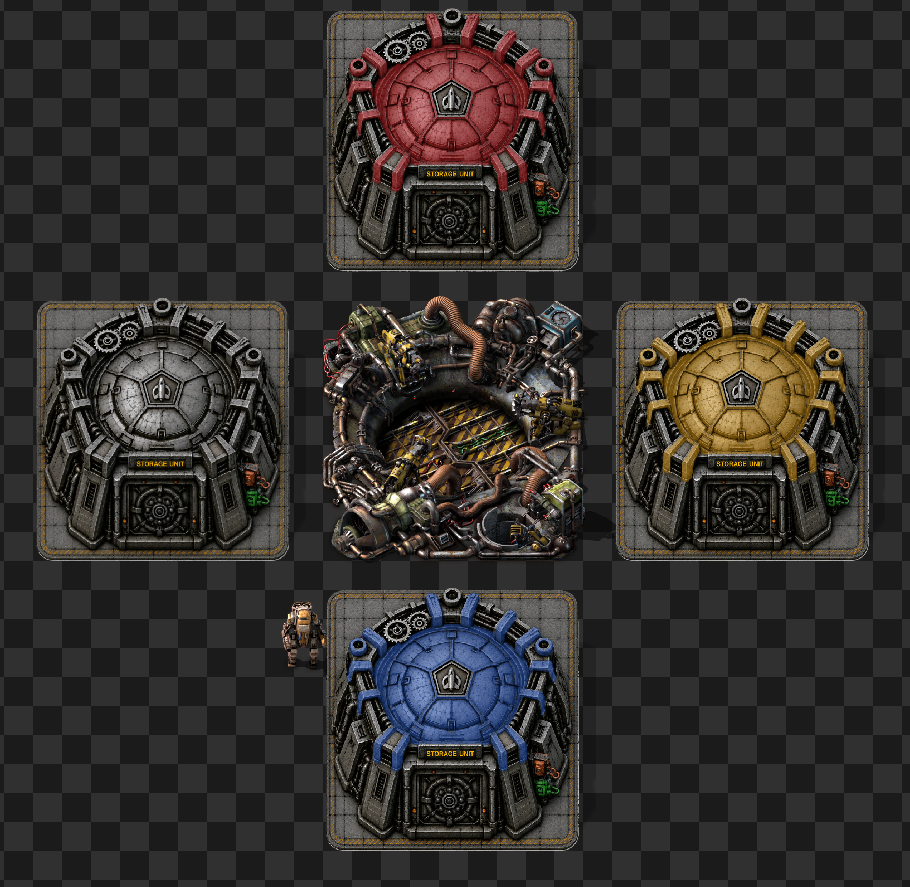
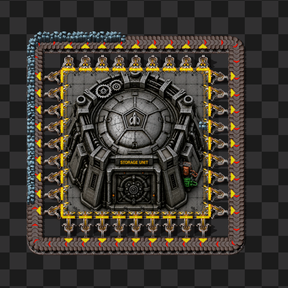
This mod provides a simpler alternative:
A standard Factorio container with a 9×9 footprint, player-filterable inventory slots, configurable capacity, and optional Upgrade Planner compatibility with Rocket Silos.
The chest uses normal Factorio container behaviour and does not require continuous on_tick processing.
Main Features
- 9×9 footprint designed to match Rocket Silo-based layouts
- Optional Logistic Chest Variants
- Configurable base inventory size
- Optional inventory-size scaling with entity quality
- Player-filterable inventory slots
- Configurable chest-item stack size
- Configurable cargo rocket capacity
- Configurable recipe cost presets
- Optional Rocket Silo replacement through the Upgrade Planner
- Red and green circuit-network support
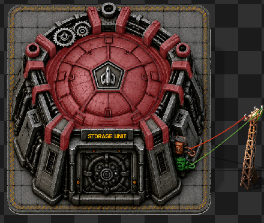
- Logistic Chest Bot hatch animations
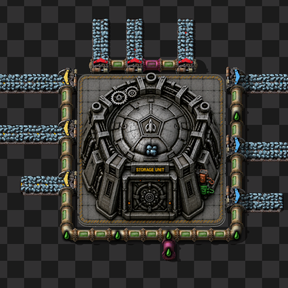
- Large perimeter for inserters and recyclers
- Unlocked alongside Rocket Silo technology
- Supports existing saves where Rocket Silo research is already complete
- Uses standard Factorio container behaviour
- No continuous
on_tickprocessing
Optional Logistic Chest Variants
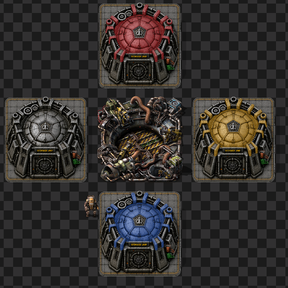
The mod also includes optional 9×9 passive-provider, storage, buffer, and requester chest variants.
Each variant must be enabled individually under:
Settings → Mod settings → Startup
They are disabled by default so players can enable only the versions they need, keeping crafting, technology, and in-game menus uncluttered.
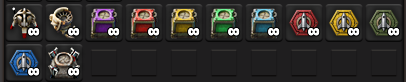
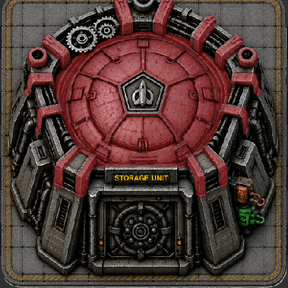
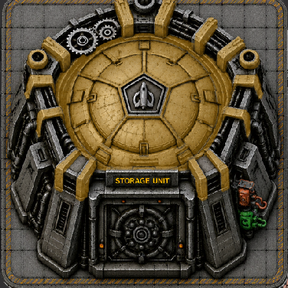
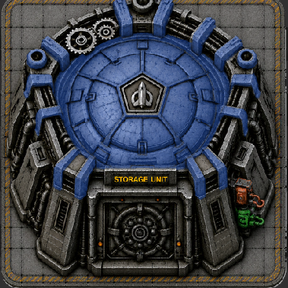
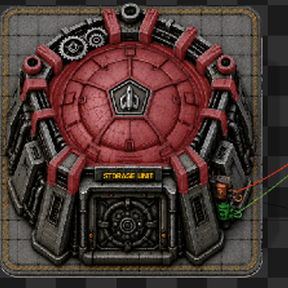
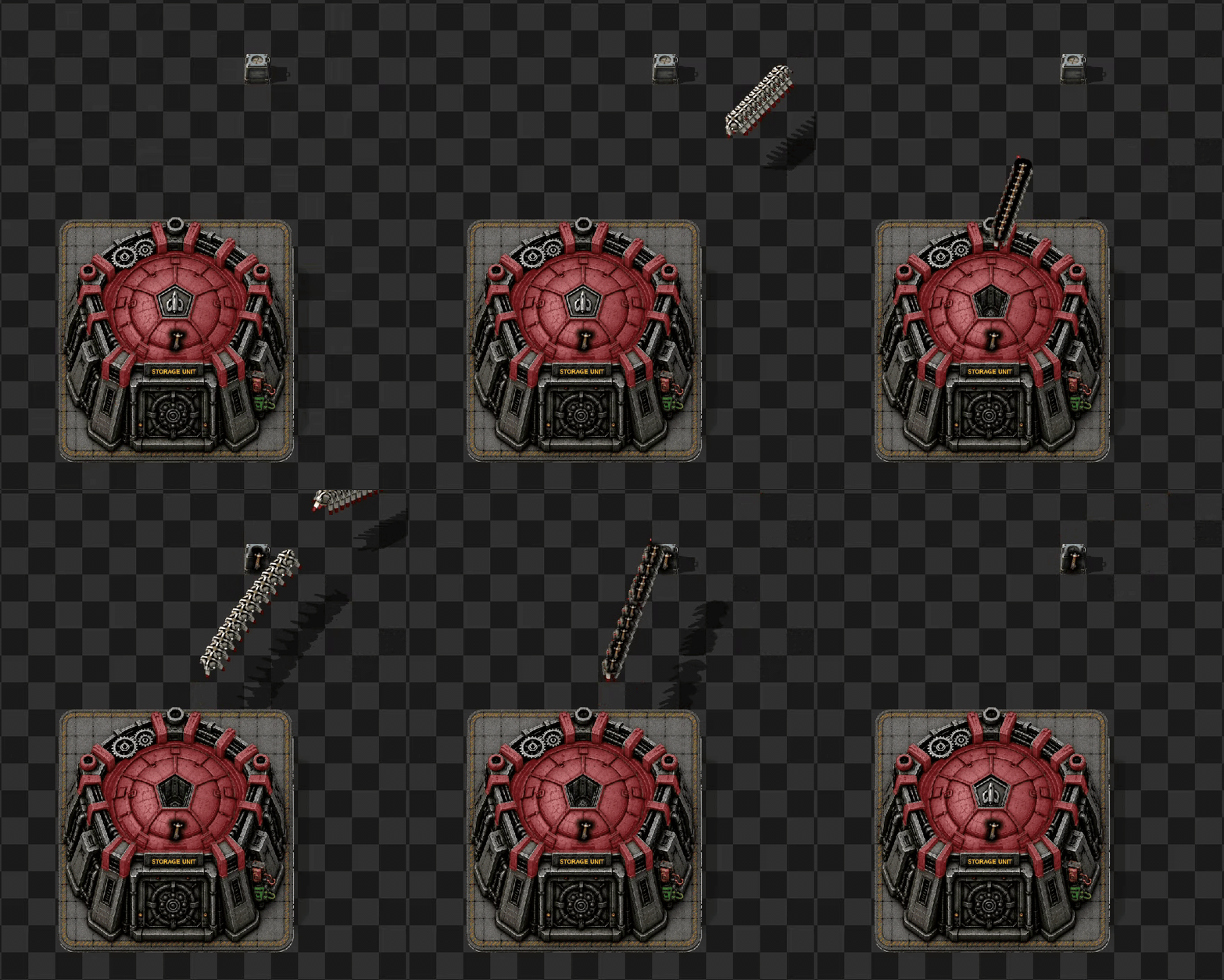
Logistic Chest Animation
Each Logistic chest variant has this animation which includes sounds from the base game.
A Replacement for Storage-Only Rocket Silos
The mod is intended to solve one specific problem:
Replacing Rocket Silos that are being used only as oversized 9×9 storage containers.
The Rocket Silo footprint is useful in large production systems because many inserters can interact with the same central inventory.
This is particularly useful for:
- Quality-processing hubs
- Recycler arrays
- Ore-voiding systems
- Unwanted-quality recycling
- High-throughput inserter layouts
- Large centralised storage buffers
Instead of using a fully functional Rocket Silo for these roles, the mod provides a dedicated container that retains the useful footprint without unnecessary silo-specific behaviour.
Broader Appeal / Other Uses
While this was the original purpose behind the mod, other players may find different uses for a large 9×9 filtered container. To give the mod broader appeal and make it suitable for a wider range of factory designs, many of its features can be customized through the startup mod settings, including the availability of Logistic varients passive provider/requester/buffer/storage.
Configuration options can be found under:
Settings → Mod settings → Startup
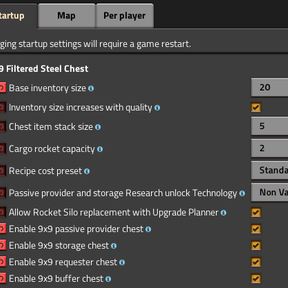
These settings allow users to adjust features such as the base inventory size, quality-based inventory scaling, chest item stack size, cargo rocket capacity, recipe cost, and Upgrade Planner compatibility.
Configurable Item Storage Silo
The chest can also be configured as a very large item-storage silo.
The selected base inventory size determines how many independently filterable inventory slots the chest has at normal quality.
Higher settings allow one chest to hold a very large number of item stacks, making it suitable for:
- Megabase item buffers
- Large recycler outputs
- Quality-sorting systems
- Centralised item storage
- High-capacity train unloading
- High-capacity belt unloading
- Long-term storage of excess production
Performance note: Very large inventories may require more processing when heavily accessed by many inserters. Users focused on UPS efficiency should select a capacity appropriate for their build rather than automatically selecting the largest available option.
Mod Settings
The configuration options are available under:
Settings → Mod settings → Startup
These are startup settings because they modify the chest, item, recipe, and replacement prototypes.
Factorio must restart or reload the mods after one of these settings is changed.
Base Inventory Size
Controls the number of inventory slots available at normal quality.
Each slot can have its own player-selected item filter.
The following inventory sizes can be selected from the dropdown:
102040801002004008001,2002,4003,8007,600
A smaller value creates a focused storage buffer.
A larger value turns the entity into a high-capacity item-storage silo.
Very large inventories may affect performance when many inserters repeatedly access the container.
Inventory Size Increases with Quality
Controls whether higher-quality versions of the chest receive additional inventory slots.
When enabled
- Normal quality uses the selected base inventory size.
- Higher qualities receive Factorio's normal quality-based inventory increase.
- A Legendary chest can hold substantially more than the selected base value.
For example, with a base inventory size of 7,600:
- Normal:
7,600slots - Uncommon:
9,880slots - Rare:
12,160slots - Epic:
14,440slots - Legendary:
19,000slots
When disabled
Normal, Uncommon, Rare, Epic, and Legendary chests all use the selected base inventory size.
Disabling quality scaling is useful when predictable capacity across all qualities is preferred.
Chest Item Stack Size
Controls how many unplaced Filtered 9×9 Steel Chest items can occupy one player, machine, chest, or logistic inventory slot.
This setting affects the stack size of the chest item itself.
It does not change:
- The number of inventory slots inside a placed chest
- The stack sizes of items stored inside the chest
- The number of item stacks held by the container
Cargo Rocket Capacity
Controls how many Filtered 9×9 Steel Chest items can be transported in one standard cargo rocket.
The mod calculates the chest item's cargo weight from the selected capacity.
- A lower cargo rocket capacity makes each chest item heavier.
- A higher cargo rocket capacity allows more chest items to fit into one cargo rocket.
This setting affects transportation of the chest item. It does not affect the storage capacity of a placed chest.
Recipe Cost Preset
Controls the ingredients required to craft the chest.
The following presets are available.
Cheap
Uses a simplified structural recipe based on:
- Pipes
- Concrete
- Steel plates
This option is intended for players who want the chest to function primarily as a practical storage building.
Standard
Uses a reduced Rocket Silo-style recipe.
This provides a meaningful late-game cost without charging the full material cost of a functional Rocket Silo.
Rocket Silo Equivalent
Uses the same ingredient quantities as the vanilla Rocket Silo recipe.
This option is suitable when the chest should act as a direct economic replacement for a Rocket Silo.
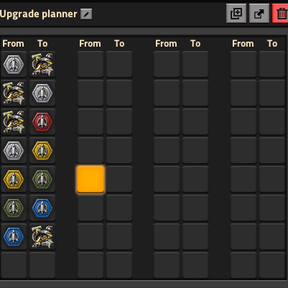
Allow Rocket Silo Replacement with Upgrade Planner
Controls whether the chest can be selected as an Upgrade Planner replacement for the vanilla Rocket Silo.
When enabled, right-click an Upgrade Planner and configure:
Rocket silo → Filtered 9×9 Steel Chest
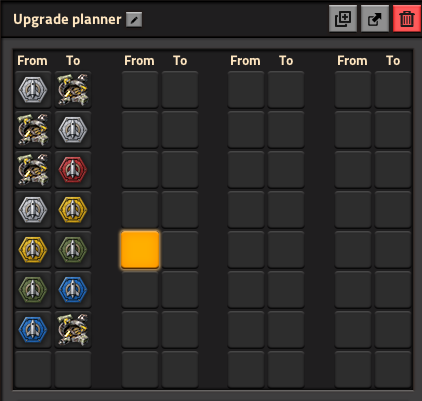
The mod does not assign the chest as the Rocket Silo's automatic next_upgrade.
This means that blank Upgrade Planners will not automatically replace Rocket Silos.
The replacement mapping must be selected manually, reducing the risk of accidentally replacing operational Rocket Silos.
Construction robots require:
- Filtered 9×9 Steel Chests inside the logistic network
- Construction-network coverage
- Storage space for the removed Rocket Silos
Emptying a Rocket Silo before replacing it is strongly recommended.
Why Use This Mod?
This mod combines the practical layout benefits of a Rocket Silo with the behaviour of a configurable filtered container.
It provides:
- The same large 9×9 building footprint
- A wide perimeter for inserters and recyclers
- Configurable storage capacity
- Optional quality-based capacity increases
- Player-filterable inventory slots
- Optional Upgrade Planner replacement
- No rocket-launching behaviour
- No orbital-delivery behaviour
- No continuous
on_tickprocessing
The result is a configurable storage silo intended for players who need either:
- A direct replacement for storage-only Rocket Silos.
- A dedicated high-capacity container for large automated factories.
Typical Uses
- Replacing storage-only Rocket Silos
- Quality-processing hubs
- Recycler arrays
- Ore-voiding strategies
- Unwanted-quality recycling
- High-throughput inserter layouts
- Large item-storage silos
- Centralised production buffers
- Train unloading systems
- Belt unloading systems
- Megabases where UPS efficiency matters
Performance
The entity uses Factorio's standard container behaviour.
The mod does not use continuous on_tick scripting for the chest or its configuration options.
Upgrade Planner support and the configurable prototype values are applied while Factorio loads the mod.
Although the mod itself does not add continuous scripting overhead, extremely large inventories can require more work from Factorio when accessed by many inserters.
For the best balance between capacity and UPS performance:
- Use smaller inventories for frequently accessed buffers.
- Use very large inventories only where the additional capacity is genuinely needed.
- Avoid surrounding extremely large containers with unnecessary inserters.