
Tiny Production UI
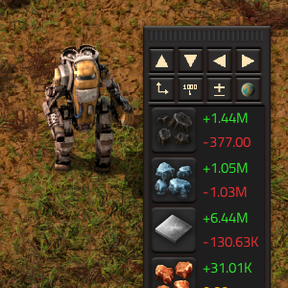
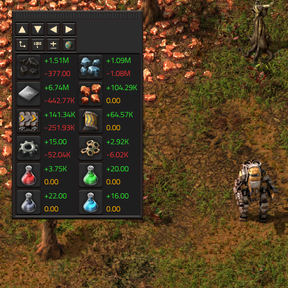
Adds a small UI element that lets you select certain items and see production/consumption rates for those items.
The UI window is freely draggable across your screen.
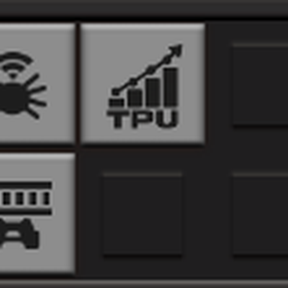
You can toggle it on/off from your shortcut bar, you'll find a TPU button there.
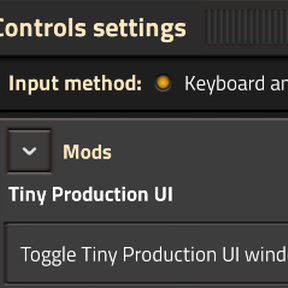
You can also toggle it via keyboard shortcuts, none are set by default.
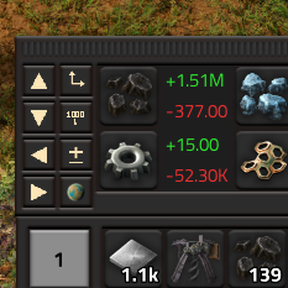
The window allows you to:
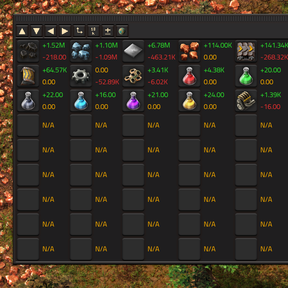
- Add/remove columns and rows (up to 100x100)
- Change the interval over which the production avg. is calculated (5s to 1000h)
- Filter the production rates by planet. When no planet filter is selected, you'll be shown the sum across all planets.
- Switch between horizontal/vertical layout with a single click.
- Switch display mode between production/consumption totals or only the difference between those two values
How to:
-
Click on a slot, select the item -> production rate for that item is now shown
-
Right-click to unset it
-
All buttons have helpful tooltips that state what they do. If you're not sure - hover over them
-
Click on the little planet filter button, select a planet - now the production rates are shown for only the selected planet
-
Right-click on it to unset the filter. Now the production rates are shown as a sum across all planets