
Peaceful Mode Toggle
Simple mod to quickly toggle peaceful mode anytime during the game.
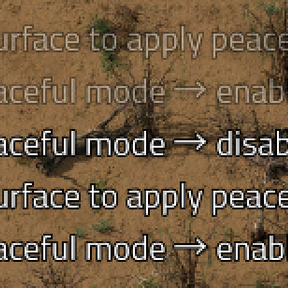
Allows you to enable/disable peaceful mode on the current surface (planet) using a hotkey — no menus, no buttons, no extra UI clutter.
Features
- Hotkey: Ctrl + Shift + P
- Toggles peaceful mode only on the surface the player is currently standing on
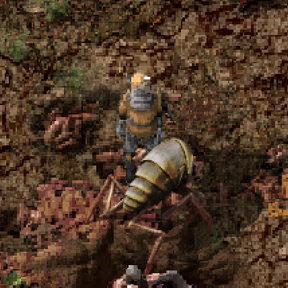
- When enabling peaceful mode, automatically kills all existing enemy units (biters, spitters, worms, etc.) so they immediately stop attacking (they respawn in peaceful behavior)
- Works in multiplayer (each player toggles only their current surface)
- Fully compatible with Space Age (different planets, space platforms, asteroids)
- Extremely lightweight — no GUI elements, no performance impact, no conflicts with other mods
How to use
- Install the mod
- In-game press Ctrl + Shift + P
- A message appears in chat confirming the change
- When enabling peaceful mode — you will see all nearby aggressive enemies die instantly (normal behavior — they will respawn peaceful)
When this mod is useful
- Want to temporarily disable biters on a specific planet
- Building a base on a new world without constant interruptions
- Testing large builds without enemy interference
- Playing in a relaxed style but still able to turn enemies back on for challenge
Extra command (optional)
/toggle-peaceful— same effect as the hotkey (can be typed in chat)
Known notes
- When enabling peaceful mode, all existing enemies on the surface are killed — this is the only reliable way to stop ongoing attacks
- New nests will still spawn, but behave peacefully (no first-strike aggression)
- Does not affect other surfaces at the same time — toggle per-planet as needed
Hotkey-only design — zero visual pollution in your HUD.
Enjoy your peaceful building sessions!