
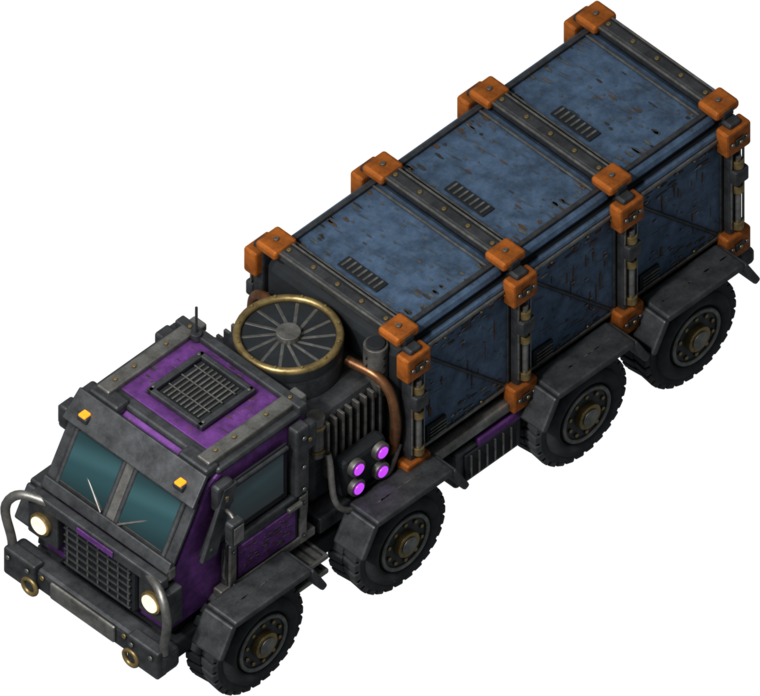
Heavy freighters. Your roads. A factory that supplies itself.
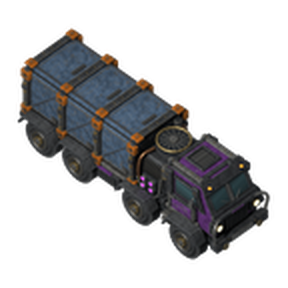
Build depots where goods are made and where they're needed, lay road between them, and armored Quinityn freighters do the hauling. Jat'z Distribution is a road logistics system for Factorio 2.1, inspired by Klonan's Transport Drones and rebuilt around big trucks, big loads and big factories.
- Request an item or fluid at a depot, and freighters fetch it from the provider that's nearest by road.
- Haul two stacks of items or 750 fluid a trip from the start, and up to 12 stacks or 4,500 fluid with research.
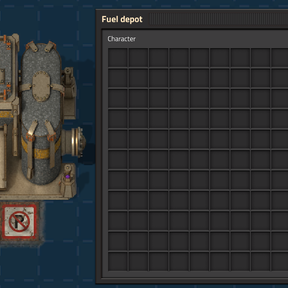
- Fuel your fleet with any fuel item or burnable fluid. Freighters top up at fuel depots on their own.
- Scale to hundreds of depots and thousands of freighters, with the work spread evenly over every second.
- Run over the biters in your way. Freighters don't stop for anything.
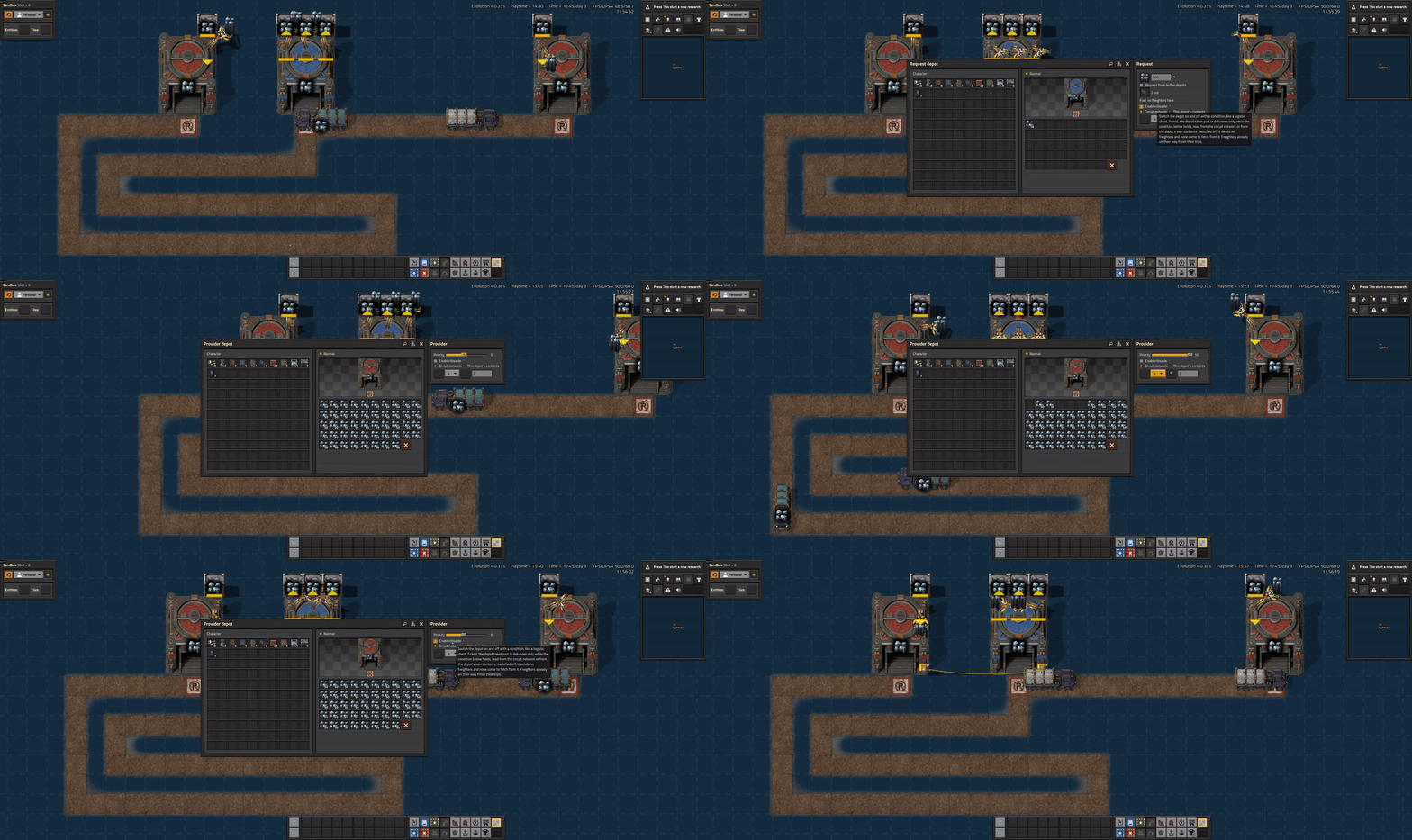
87 seconds in game, uncut: a request depot sends its freighters along the road to the provider depots, they load and bring the goods home, and the depots' panels show what's going on. Watch which provider they pick: distance is measured along the road, not in a straight line. The provider on the left looks closer, but its road winds a long way round, so the freighters head for the one the road reaches sooner. Click for full size. It's a large animation, so give it a moment to load.
Player guide · Report a bug · Source code

Coming from Transport Drones?
You'll feel at home: roads, provider and request depots, buffers, fluids and fuel all work the way you expect. Here is what's different.
Not a drop-in replacement. Jat'z Distribution is its own mod, not an update or fork of Transport Drones, and the two can't be enabled together. Nothing is migrated: Transport Drones' roads, depots, drones and their settings don't turn into ours. If you remove Transport Drones from a save, Factorio deletes everything it placed, along with the items stored in its depots, so empty them first and plan to rebuild your network with our depots and road. Back up your save before switching.
| Transport Drones | Jat'z Distribution | |
|---|---|---|
| The vehicle | Small drones | The Quinityn freighter: an armored eight-wheel truck, rendered in 64 directions |
| Load per trip | 1 stack (or 500 fluid) to start | 2 stacks (or 750 fluid) to start, up to 12 stacks (or 4,500 fluid) with research |
| Fuel | Delivered to each request depot, which fuels its drones | Each freighter carries its own tank and stops at the nearest fuel depot by road when it runs low. Nothing has to deliver fuel to your request depots |
| What burns | One fuel fluid, petroleum gas by default | Any fuel item or burnable fluid, from any mod: coal, solid fuel, rocket fuel, petroleum gas and more |
Built for megabases. On the project's stress map (600 depots and over 16,000 vehicles across three surfaces, both mods at default settings on the same PC), Jat'z Distribution took 1.5 ms a tick against Transport Drones 2.1.4's 21.8 ms, and delivered almost three times as many items a minute with an eighth as many vehicles on the road. See the benchmark and how it was run.
And on top of that:
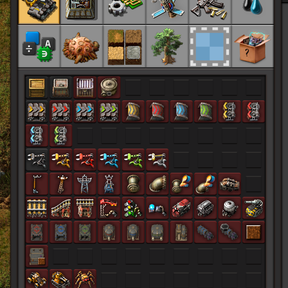
- Cargo you can read at a glance. A freighter's cargo bays are light grey while empty, then take the color of what it picked up: copper orange, sulfur yellow, water blue. In alt mode, loaded freighters show their cargo's icon.
- Cargo stays intact. Armor keeps its equipment and food keeps track of its spoilage on the way.
- You choose who supplies whom. Rank provider and buffer depots from 1 to 10, and decide per depot whether buffers or providers come first.
- Road tunnels. Like underground belts for your roads: freighters drive in at one end and come out at the other, under whatever stands between.
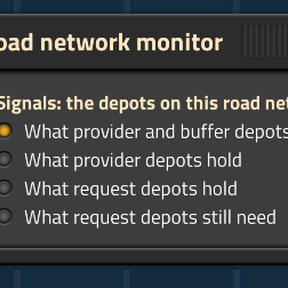
- Circuit control built in. Switch provider, request and buffer depots on or off with a circuit condition that reads the network or just the depot's own contents. The road network monitor reads what a whole road network holds, or what its request depots still need.
- Losses replace themselves. A request depot that loses a freighter asks construction robots for a new one.
- Blueprint everything. Copy and paste and blueprints keep requests, priorities, circuit conditions and freighter counts, and construction robots bring the trucks.
The depots
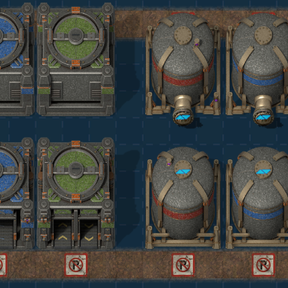
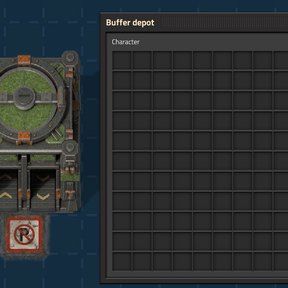
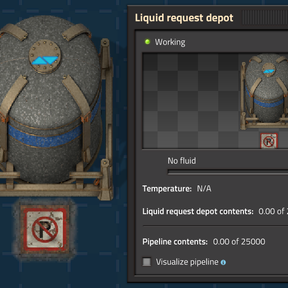
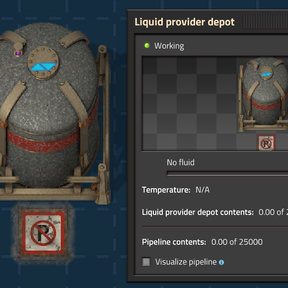
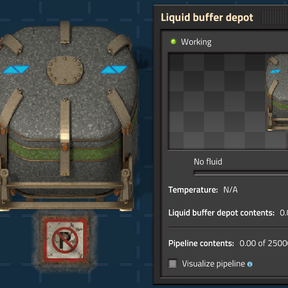
Every depot is 3×3, can face any direction, and has a worn "no parking: loading zone" marking where freighters load. Building one lays a road tile under that marking, so you only need to run your road up to it.
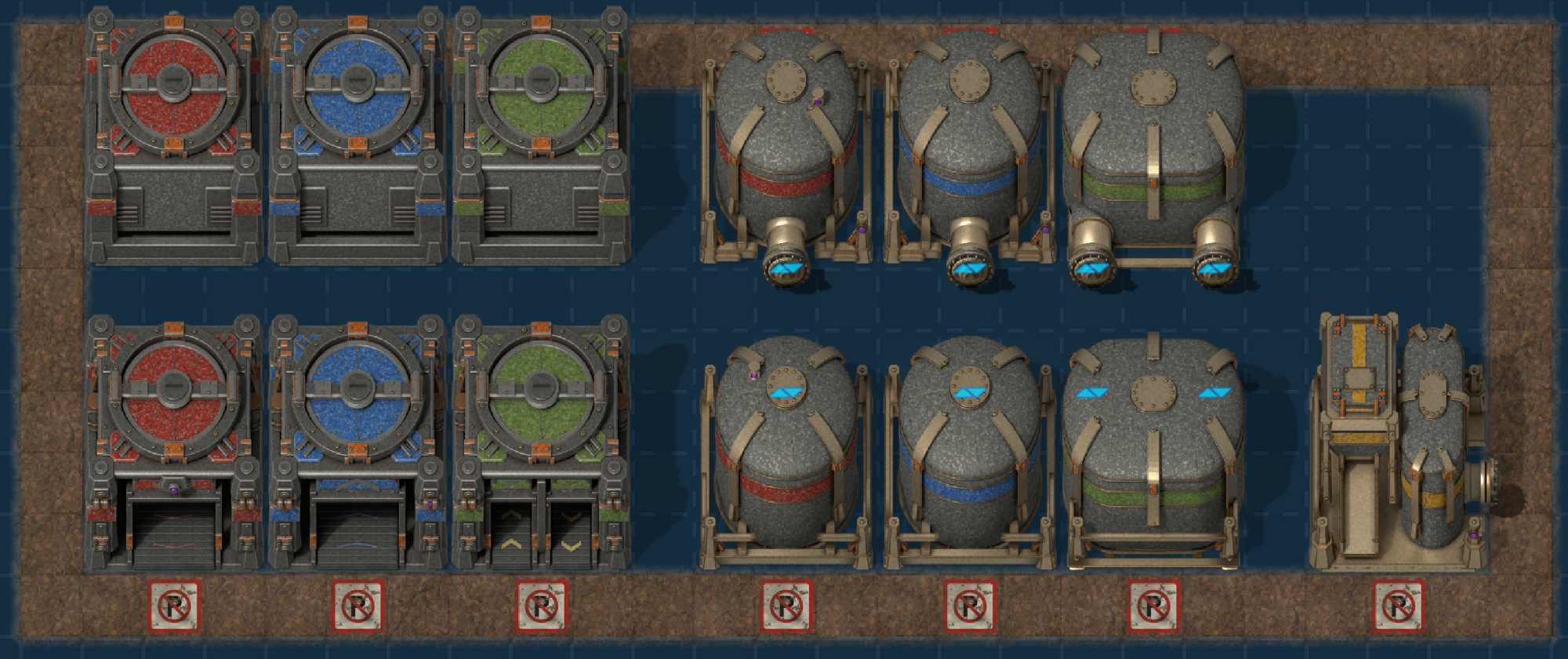
Top row turned north, bottom row facing south with their loading zone markings. Click for full size.
| Depot | What it does |
|---|---|
| Provider (red) | Offers its items to freighters |
| Request (blue) | Keeps an item in stock. Holds up to 100 freighters of its own |
| Buffer (green) | Stocks an item from providers, close to where it's needed |
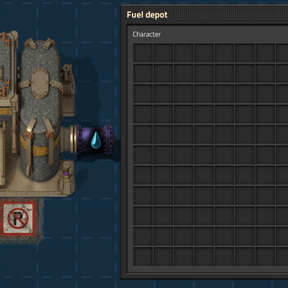
| Fuel (amber) | Freighters fill up here with any fuel item, or any burnable fluid piped in |
| Liquid provider | Offers fluids to freighters |
| Liquid request | Keeps a fluid in stock. Fluids keep their temperature on the way |
| Liquid buffer | Stocks a fluid from liquid providers. Two pipe connections |
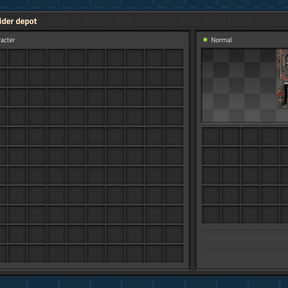
Every depot takes red and green wires. Item depots and the fuel depot have 48 slots, and liquid depots connect to ordinary pipes and hold 25,000 fluid. You can change the slots of each item depot and of the fuel depot, and the tanks of liquid provider, liquid buffer and fuel depots, in the startup settings.
Up and running in five steps
- Research Freight system (after Engine, with red and green science).
- Lay road. Freighters drive only on road, which you craft like stone path.
- Place a provider depot and fill it with goods.
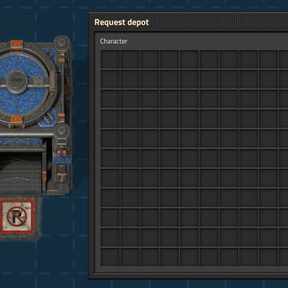
- Place a request depot, open it, choose an item and how many to keep in stock, and put freighters in its freighter slot.
- Place a fuel depot on the road and load it with coal or any other fuel.
That's it. Freighters set off, load up and bring the goods home. A status light on each request depot shows at a glance whether anything is wrong, and hovering it tells you what. The player guide covers everything else.
Recipes
Every recipe uses things you can already make when its research finishes. Click a sheet for full size.
Item and fuel depots (Freight system)
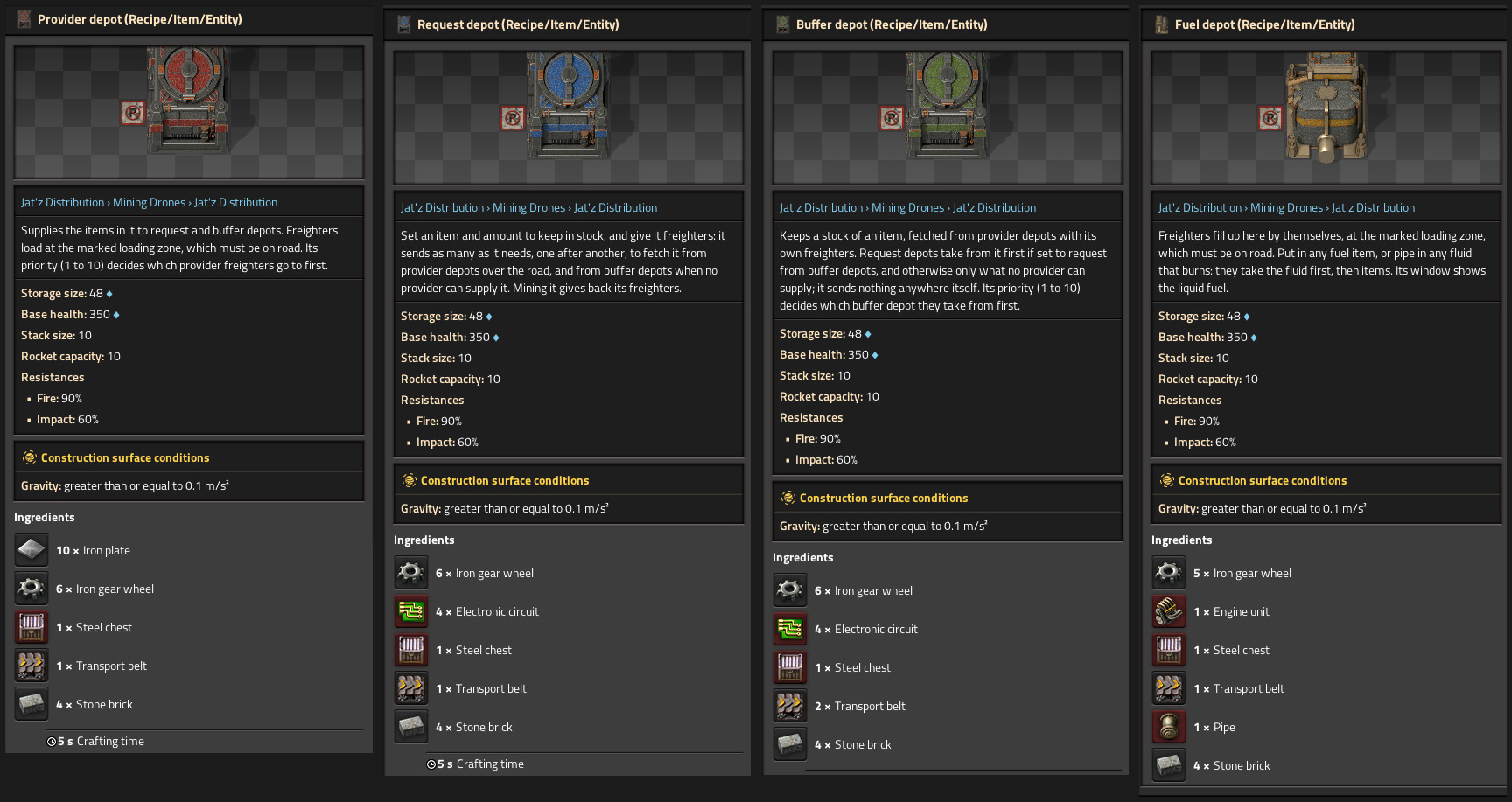
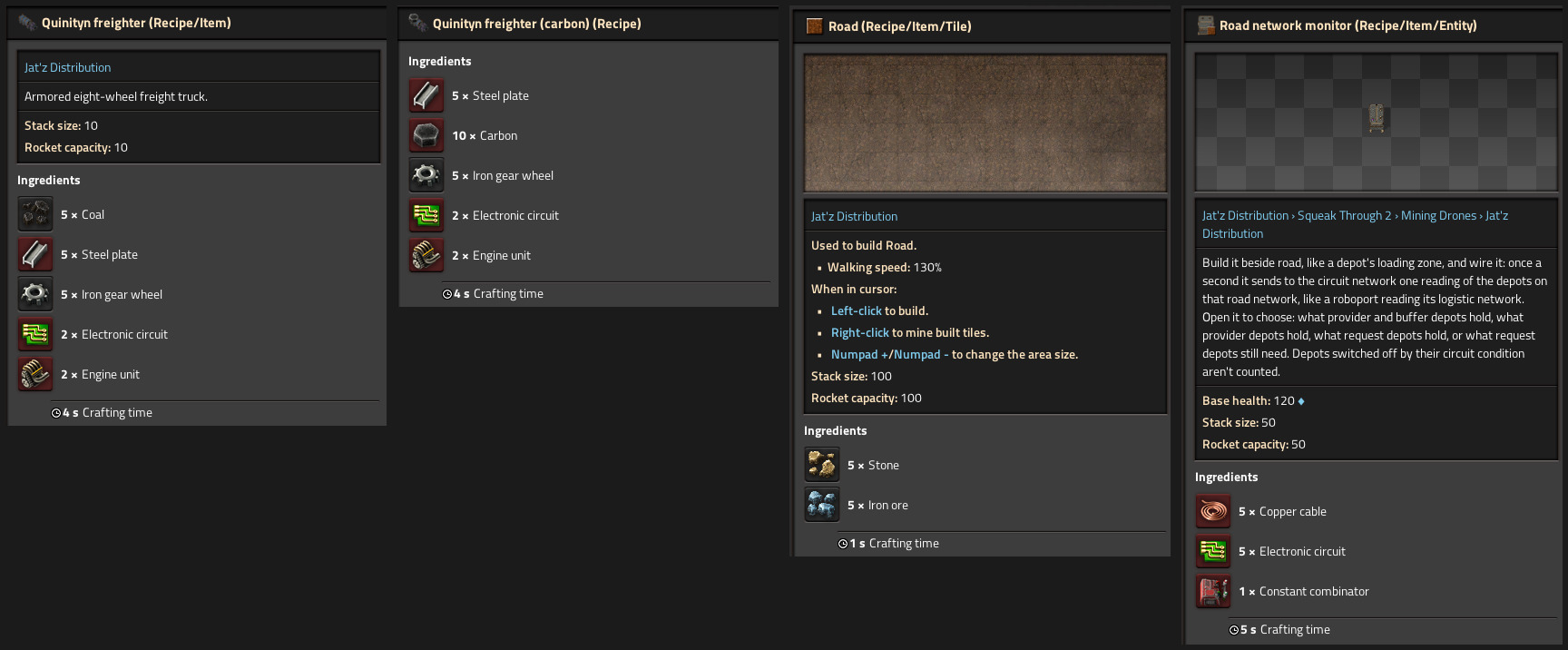
Freighter, road and road network monitor (Freight system; the monitor has its own research)
Road tunnels (Road tunnels research): 20 stone brick, 10 steel plate and 10 iron gear wheels make a pair.
The 5 coal in a freighter is its first full tank. With Space Age, you can make freighters with 10 carbon instead, for planets without coal. Road is cheap slag: 5 stone and 5 iron ore make 10 tiles.
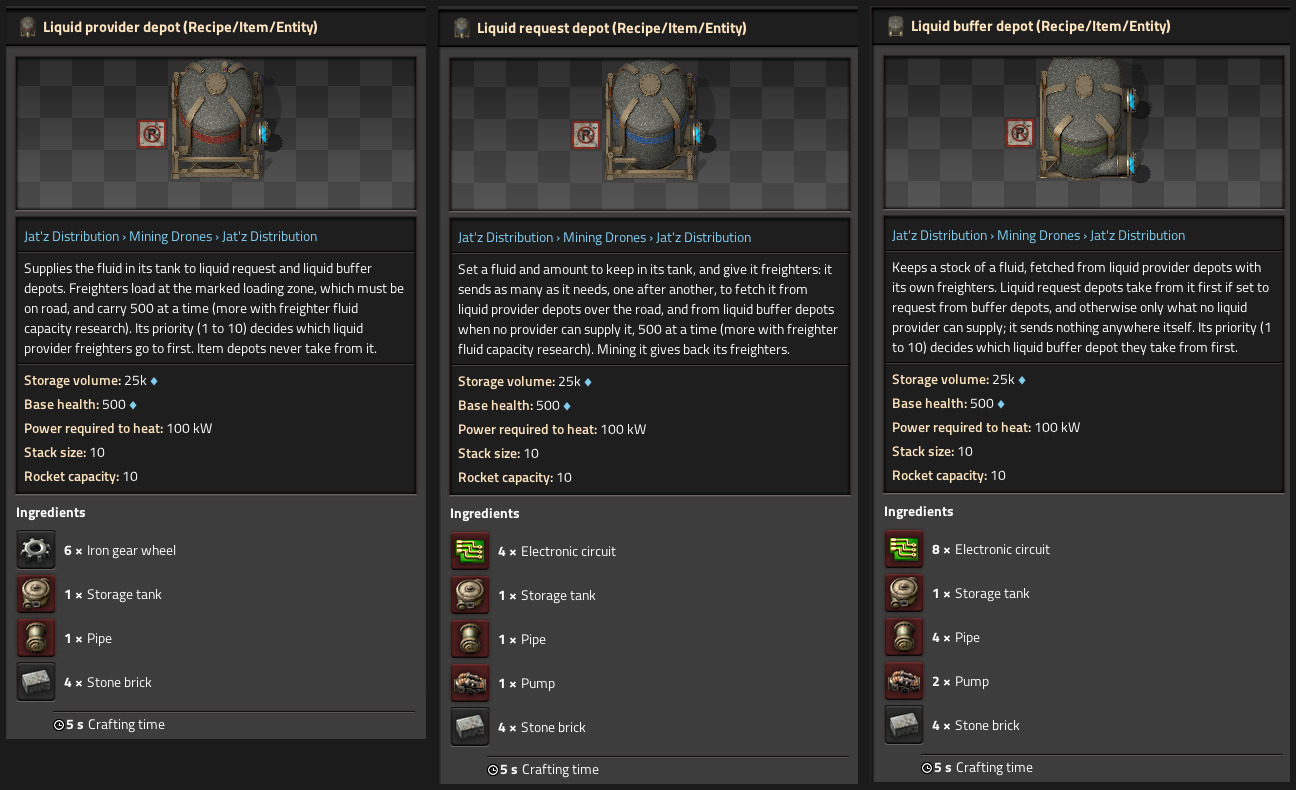
Liquid depots (Liquid freight)
Research
| Technology | Requires | Cost | Gives you |
|---|---|---|---|
| Freight system | Engine | 200 × red and green, 30 s | Provider, request, buffer and fuel depots, the freighter and road |
| Liquid freight | Freight system, Fluid handling | 200 × red and green, 30 s | The three liquid depots |
| Road network monitor | Freight system, Circuit network | 500 × red and green, 30 s | The road network monitor |
| Road tunnels | Freight system, Logistics | 300 × red and green, 30 s | Road tunnels |
| Freighter speed 1–4, then infinite | Freight system | From 200 × red and green | +20% freighter speed per level, freighters already on the road included |
| Freighter item capacity 1–10 | Freight system | From 200 × red and green | +1 stack per trip per level |
| Freighter fluid capacity 1–10 | Liquid freight | From 200 × red and green | +375 fluid per trip per level |
Upgrade levels add science packs as they climb, from red and green up to utility. The infinite speed levels take every pack through space science, and each costs twice the last.
Fuel that works like fuel
- A new freighter comes with a full tank: 20 MJ, about 2,000 tiles of driving.
- Before every leg of a trip (setting off from home, leaving the provider, or heading for a new provider after a reroute) a freighter checks its tank against that leg's road distance, plus 25% to spare and a 10% reserve.
- If it's short, it re-routes to the fuel depot nearest by road from where it stands, fills up, then carries on to where it was going, cargo and all.
- Freighters that can't reach a provider on what they have wait at home until there is fuel to get, rather than queueing at an empty fuel depot. The request depot's light tells you why.
- A freighter that runs dry anyway crawls on at a tenth of its speed, so it's never stranded.
- Fuel in other depots is ordinary cargo: freighters deliver it like anything else and never burn it.
- Hover a freighter to see its fuel. Tank size and use per tile are map settings, and setting the use to 0 turns fuel off.
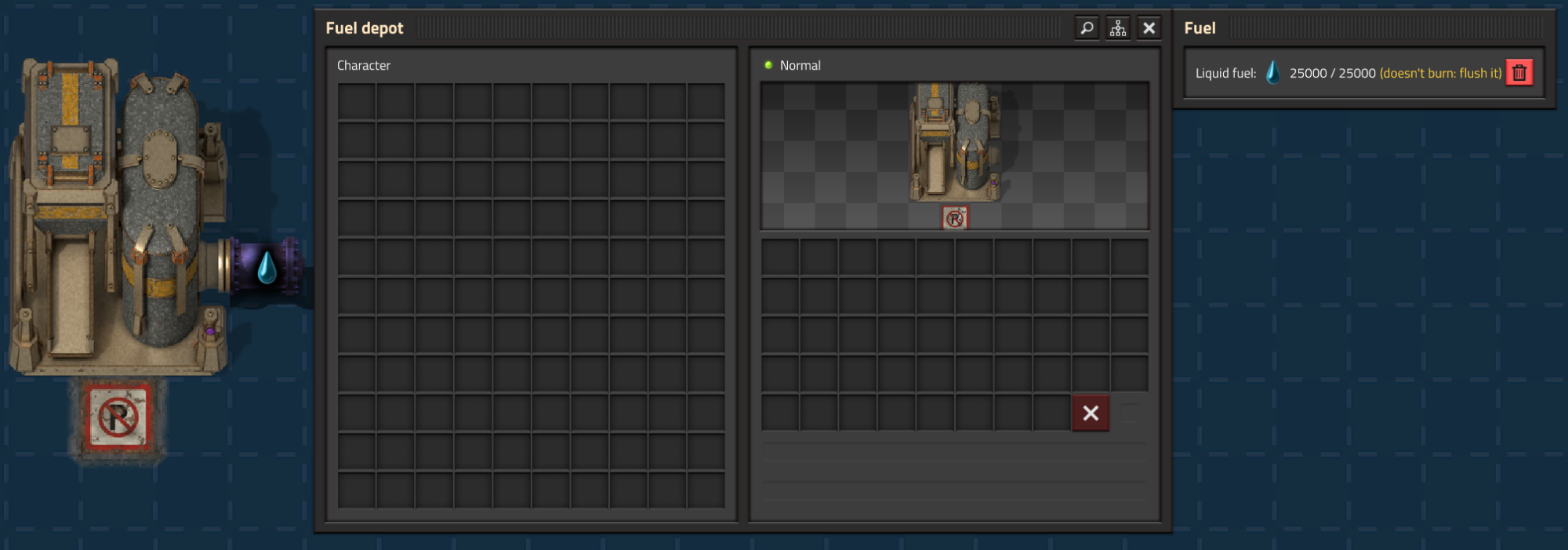
- Piped in something that doesn't burn? The fuel depot's window says so, with a button to flush it.
Where you put fuel depots matters. A freighter low on fuel goes to the nearest fuel depot by road, however far away that is, before it finishes its delivery. If your only fuel depot is on the other side of the factory, every freighter that runs low drives all the way over there, then all the way to where it was going, and its delivery waits the whole time. Put fuel depots along the routes your freighters already drive, near busy provider and request depots, and add more as your road network grows. A detour of a few tiles costs almost nothing. One across the map ties up freighters, and on a large network a freighter can even run dry on the way and crawl the rest at a tenth of its speed.
Compatibility
- Space Age: optional. Adds the carbon freighter recipe. Depots don't lay road on space platforms.
- Mining Drones, Mining Drones 2 Remastered and Mining Drones Mod: every mining depot becomes a provider depot for whatever its drones mine.
- Milestones: tracks your first freighter, 100 freighters and 1,000 road, whichever preset you use.

- Overhaul mods: cargo colors come from game data, not a fixed list, so most items from overhauls such as Bob's and Angel's get a color too. Mods can also declare their items' colors themselves (see below).
- Not compatible with Transport Drones or its forks, since they do the same job. Factorio won't let you enable them together.
For mod authors: cargo colors. Factorio items have no color, so freighters work their cargo's color out from game data. A by-product no recipe makes, or an item made from many different materials, can come out the plain slate blue or the wrong color. Declare your items' colors instead, in your data.lua or data-updates.lua. No dependency on Jat'z Distribution is needed:
data:extend({ {
  type = "mod-data", name = "my-mod-item-colors", data_type = "item-colors",
  data = { items = { ["my-slag"] = { r = 0.55, g = 0.36, b = 0.17 } } },
} })
A declared color comes before every other rule, and items made from it follow it. Colors are ordinary Factorio colors (0 to 1, or 0 to 255). When several mods name the same item, the first prototype by name wins. Fluids keep their base_color. More details.
Requirements
- Factorio 2.1 (tested on 2.1.24). Only the base game is needed.
Before you play
- This is an early release. Balance may still change between versions, so read the changelog before updating and back up your saves.
- Bug reports and feedback are welcome on GitHub or in the Discussion tab.
Credits
- Gameplay: inspired by Transport Drones by Klonan.
- Visual style: inspired by the Yuoki Industries family of mods. The freighter and depots are original models built in Blender for this mod.
- Road artwork: the slag path tiles from Yuoki Industries - Railways, © YuokiTani and others, used under CC BY-NC-SA 4.0.
- Made by jatmn. Enjoying it? Support jatmn on Ko-fi.
- Licensed under the GNU LGPL v3.0, the same licence as Transport Drones, except for the road artwork. See NOTICE for every attribution.