
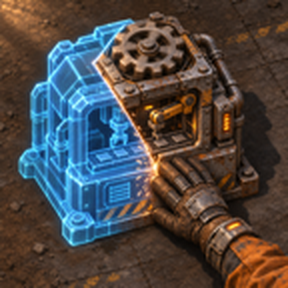
Fill in ghosts by hand without misplacing anything. Toggle (Shift+G or the shortcut button): while on, the item in your hand only fills a ghost of the same entity and quality at that exact spot, built exactly as planned (direction, belt end, settings); every other placement is cancelled. Ctrl+Shift+G builds every ghost in reach that you carry the items for, nearest first.
Providing the player with new tools or adjusting the game interface, without fundamentally changing gameplay.
Version: 0.2.0
Date: 2026-11-18
  Features:
    - New key combination (Ctrl+Shift+G by default): builds every ghost within your build distance
      that you carry the items for, nearest first, exactly as planned (direction, belt ends,
      settings, quality), paid from your inventory. Works whether the toggle is on or off.
Version: 0.1.2
Date: 2026-11-18
  Graphics:
    - New thumbnail.
Version: 0.1.1
Date: 2026-11-15
  Changes:
    - Filling a ghost now builds it exactly as planned: the ghost's direction is kept instead of the
      direction of the item in your hand, and an underground belt keeps its input or output end.
Version: 0.1.0
Date: 2026-11-15
  Features:
    - Toggle (shortcut bar button, Shift+G by default) that lets a held item be built only on a ghost of
      the same entity and quality at that exact position.
    - Other placements are cancelled before the game builds: nothing is placed and no ghost is replaced.
    - Shift-building (placing ghosts), rails, vehicles and tiles are not restricted.