
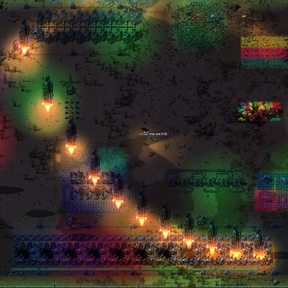




Disco Lights
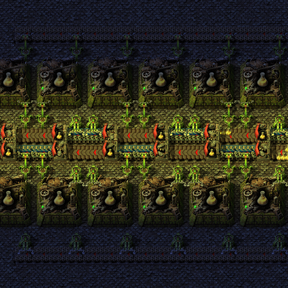
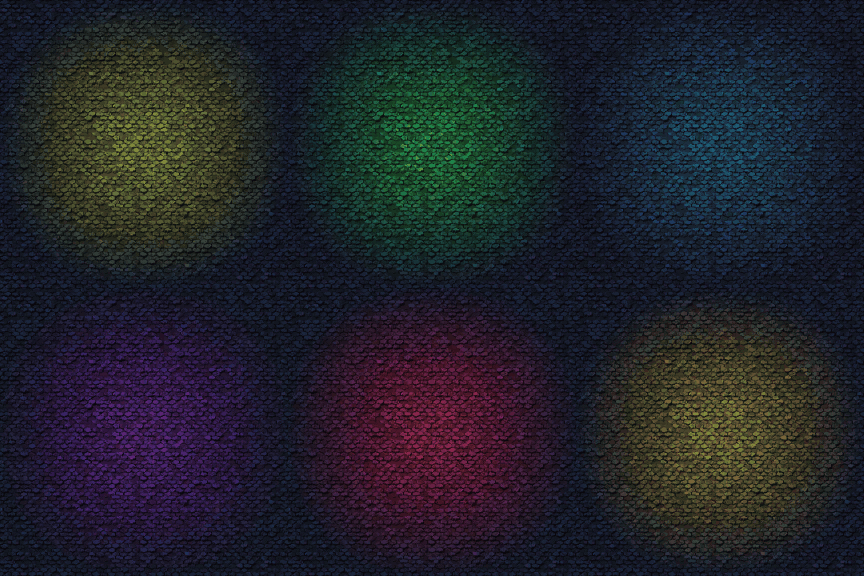
Placeable ambient light sources. Add some mood lighting to your factory or have a disco party with biters.
The lights are purely decorative and can be placed without any resources or research.
Usage
Create  [Item: Disco lights planner] in the cursor by pressing Alt + K or clicking the dedicated button on the shortcut bar.
Then Left-click and drag to select an area to place a light.
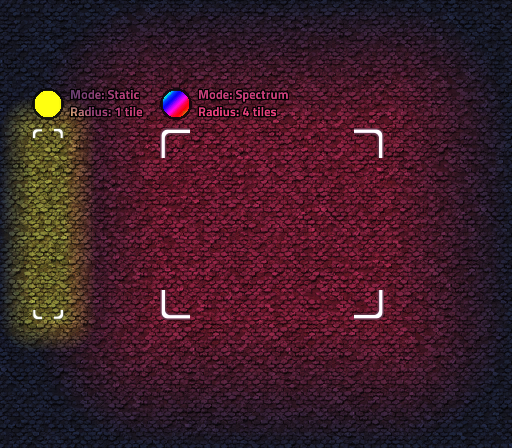
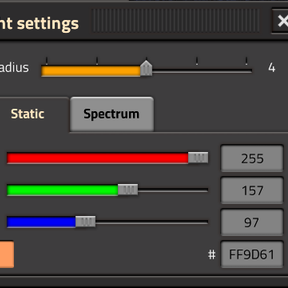
Shift + Left-click to open the light settings window. These settings will only apply to new light placements.
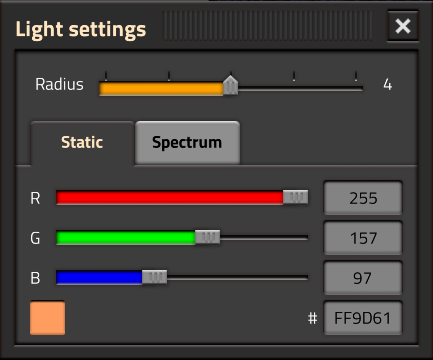
Customisation
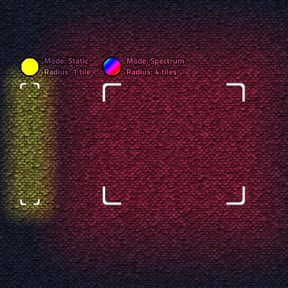
Currently there are 2 modes of operation:
- Static - single colour light source.
- Spectrum - spectrum cycling with a configurable phase offset and duration.
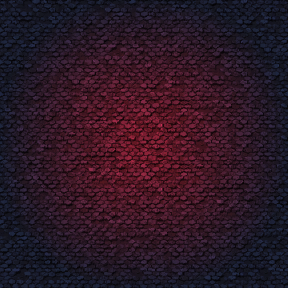
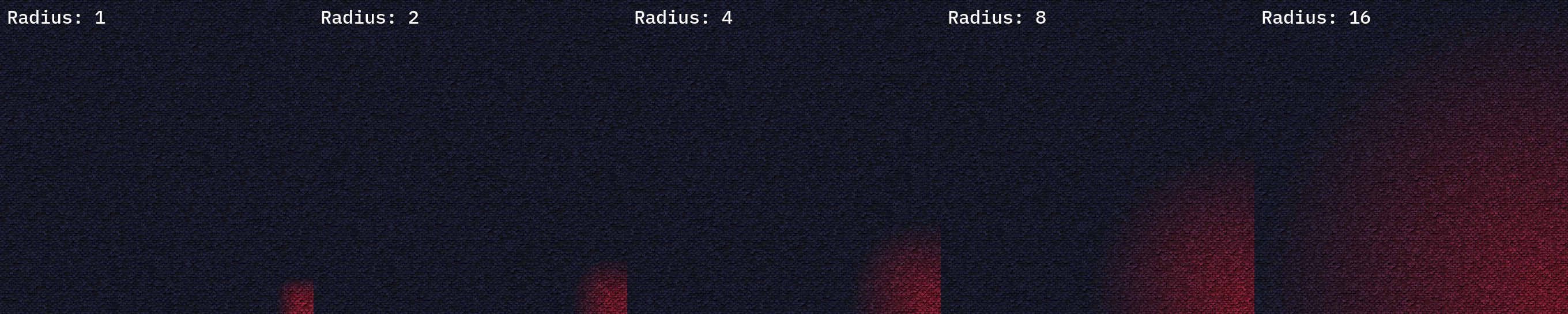
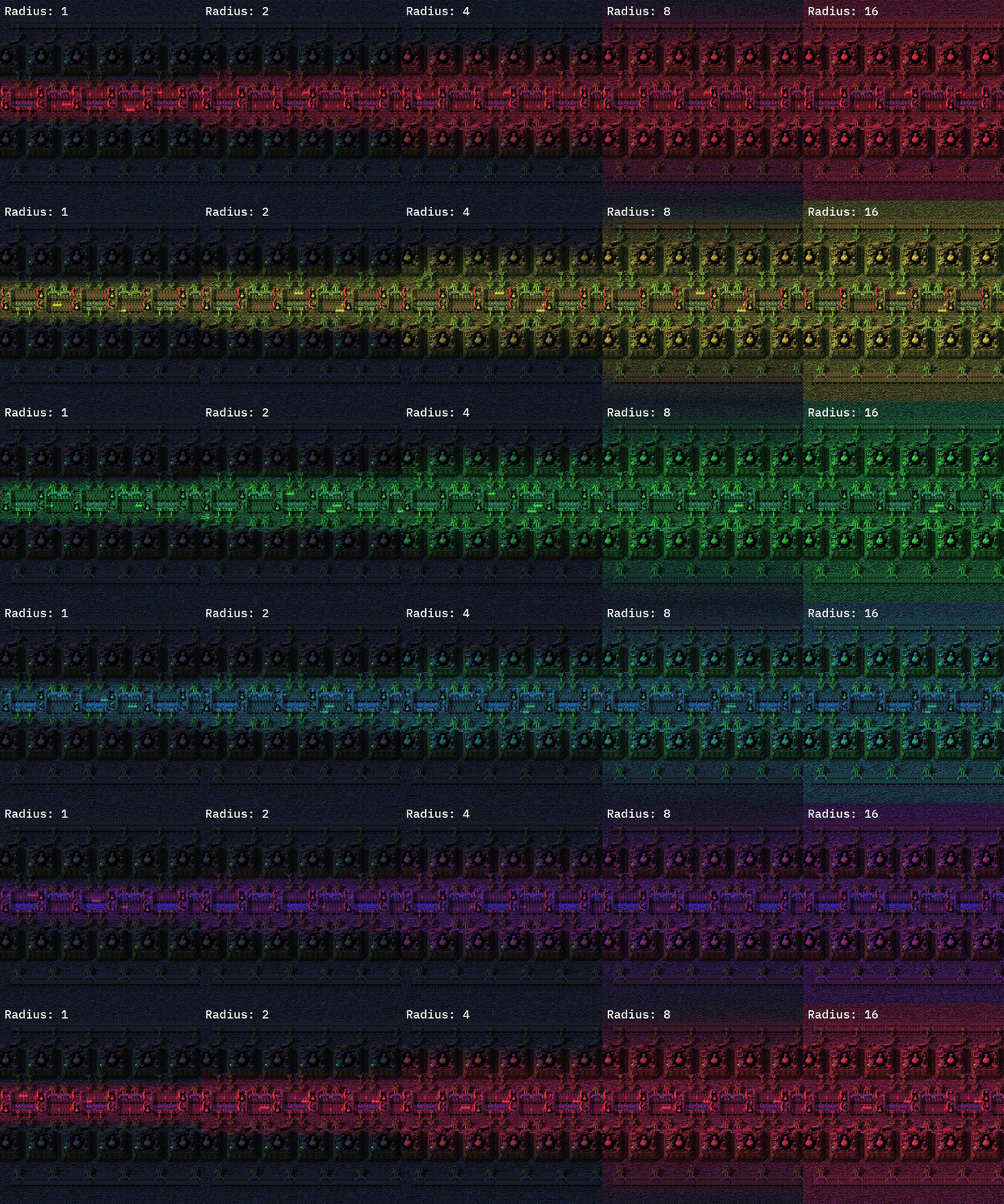
There is also a configurable glow radius which governs how far the light spreads from its source: 1, 2, 4, 8, 16 tiles.
Controls
While holding [Item: Disco lights planner] the following controls are available.
| Control | Action |
|---|---|
| Left-clickand drag | Add a light over the selected area |
| Right-click and drag | Remove selected lights |
| Shift + Left-click | Open light settings |
| Alt + Mouse wheel up/down | Cycle the radius |
| Control + Alt + Mouse wheel up/down | Cycle the mode |