
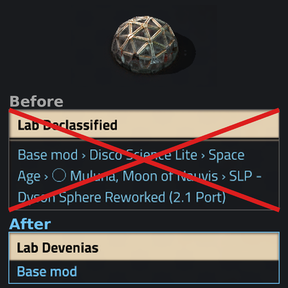
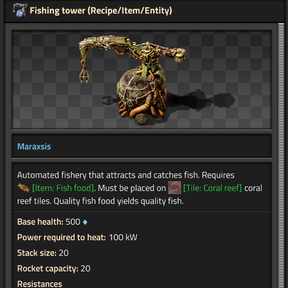
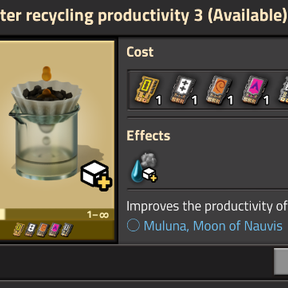
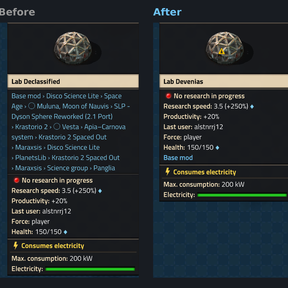
With many mods installed, the list of mods in a tooltip can get long enough to cover the screen.
You can turn this list off in the game settings, but then it's hard to tell which mod something comes from, especially when you're trying a mod for the first time.
As a compromise, this mod shows only the source mod in the tooltip.
Required setting
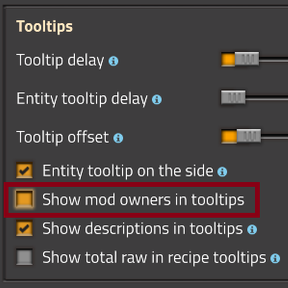
Turn off "Show mod owners in tooltip" in Settings > Interface.
Removing this mod
Before disabling or removing this mod, turn on the startup setting "Turn off source mod lines" and load your save once. This removes the lines saved on entities. If you skip this step, existing structures keep the source mod line in their tooltips, and you'll have to destroy and rebuild them to remove it.
Known issues
- Due to technical limitations, the tooltip doesn't appear on a few objects.