
Show my vehicle
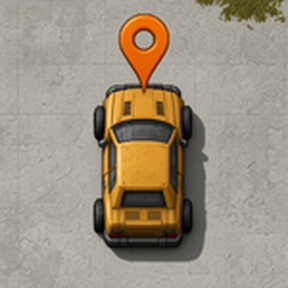
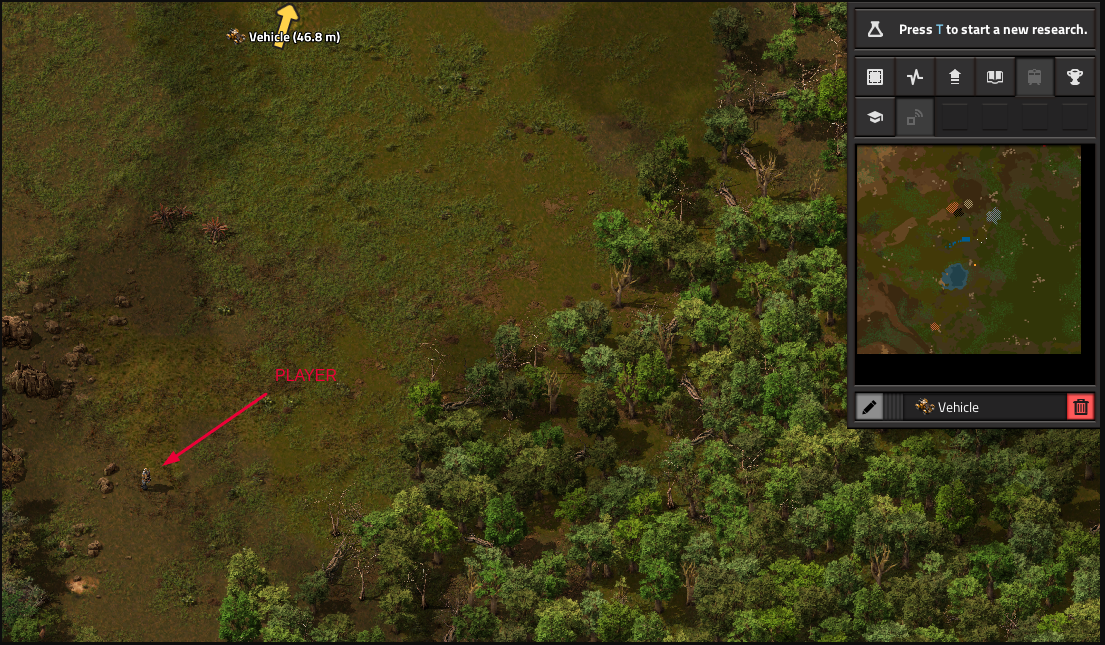
Finding your parked car, tank, or spidertron should not be a chore. Show my vehicle locates your vehicle with a single keystroke: it places an on-screen pin on the vehicle and shows an arrow near your character pointing directly toward it.
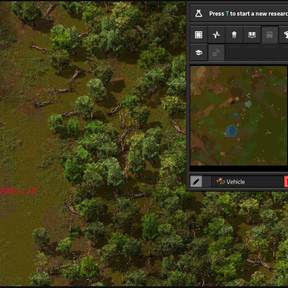
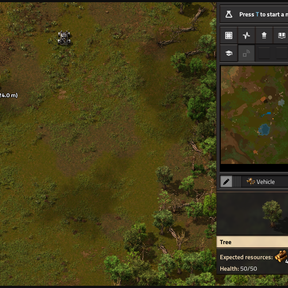
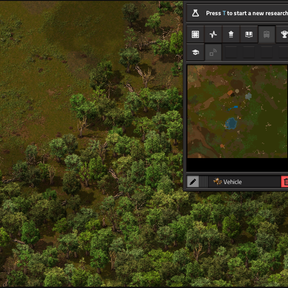
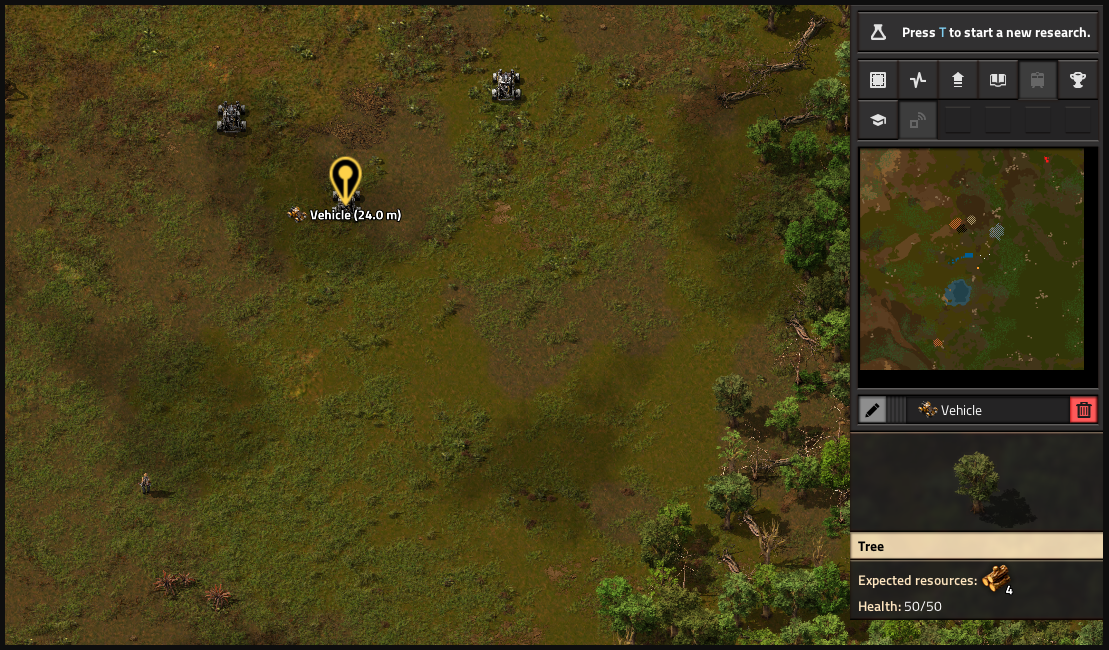
As you travel, the pin stays visible on screen (even when offscreen, showing the distance), and the arrow continuously tracks the vehicle's direction in real time. Once you arrive or get inside, everything disappears automatically — no markers to place, and no cleanup required!
Features
- Direction Arrow: A directional arrow hovers near your character, continuously pointing straight toward the target vehicle so you always know which way to walk or drive.
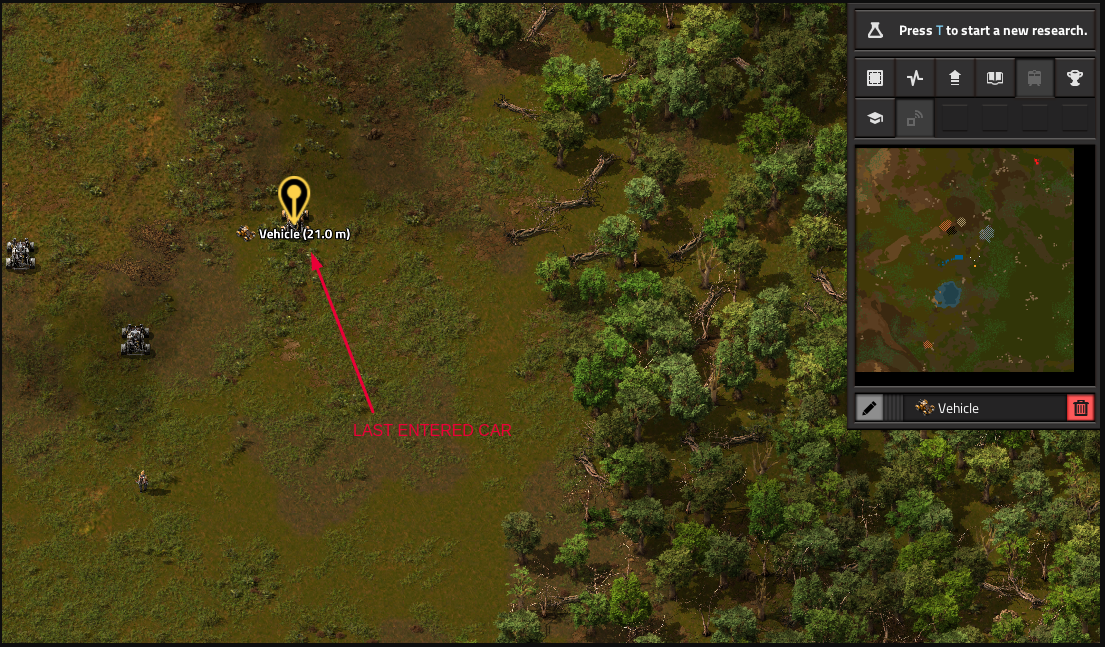
- On-Screen Pin: Places a persistent Factorio pin on the vehicle that stays visible on your screen, indicating its direction and distance when offscreen, and tracks it if it moves.
- Automatic Cleanup: The pin and arrow remove themselves automatically:
- Immediately when you enter the target vehicle.
- After 10 seconds, once you are within 10 tiles of the vehicle.
- When the vehicle is destroyed or removed.
- Smart Target Selection:
- Targets the last vehicle you drove (if it still exists and its type is enabled).
- If none was driven or it no longer exists, targets the nearest enabled vehicle on your current surface.
- Per-Player & Multiplayer Friendly: Each player tracks their own vehicle independently. Another player approaching or entering a vehicle will never clear your pin.
- Fully Customizable: Choose which vehicle categories you want to track, or toggle the direction arrow on and off.
How to Use
- Press Shift + V, or click the Show my vehicle shortcut (car icon) on your shortcut bar.
- A confirmation sound will play and the pin and direction arrow will appear pointing towards your vehicle.
- Walk or drive towards it. Once you arrive or get in, the pin and arrow clear themselves.
Tip: You can customize the shortcut key anytime in Settings → Controls → Mods → Show my vehicle.
Vehicle Types & Settings
In Settings → Mod settings → Per player, each player can independently toggle which types of vehicles can be targeted:
- Cars: Vanilla cars.
- Tanks: Vanilla tanks.
- Spidertrons: Spidertrons and other spider vehicles.
- Trains: Locomotives and cargo/fluid/artillery wagons.
- Other vehicles: Modded vehicles or any drivable entity that is not in the categories above.
- Direction arrow: Toggle the on-screen arrow that hovers near your character.
All options are enabled by default.
Notes & Compatibility
- Designed for Factorio 2.0+ / 2.1.
- Supports multiplayer: tracking is strictly per-player.
- Vehicles on other surfaces (e.g. space platforms or other planets in Space Age) are never mixed with your current surface.
- Feedback and bug reports are welcome on the mod portal discussions or on GitHub.