
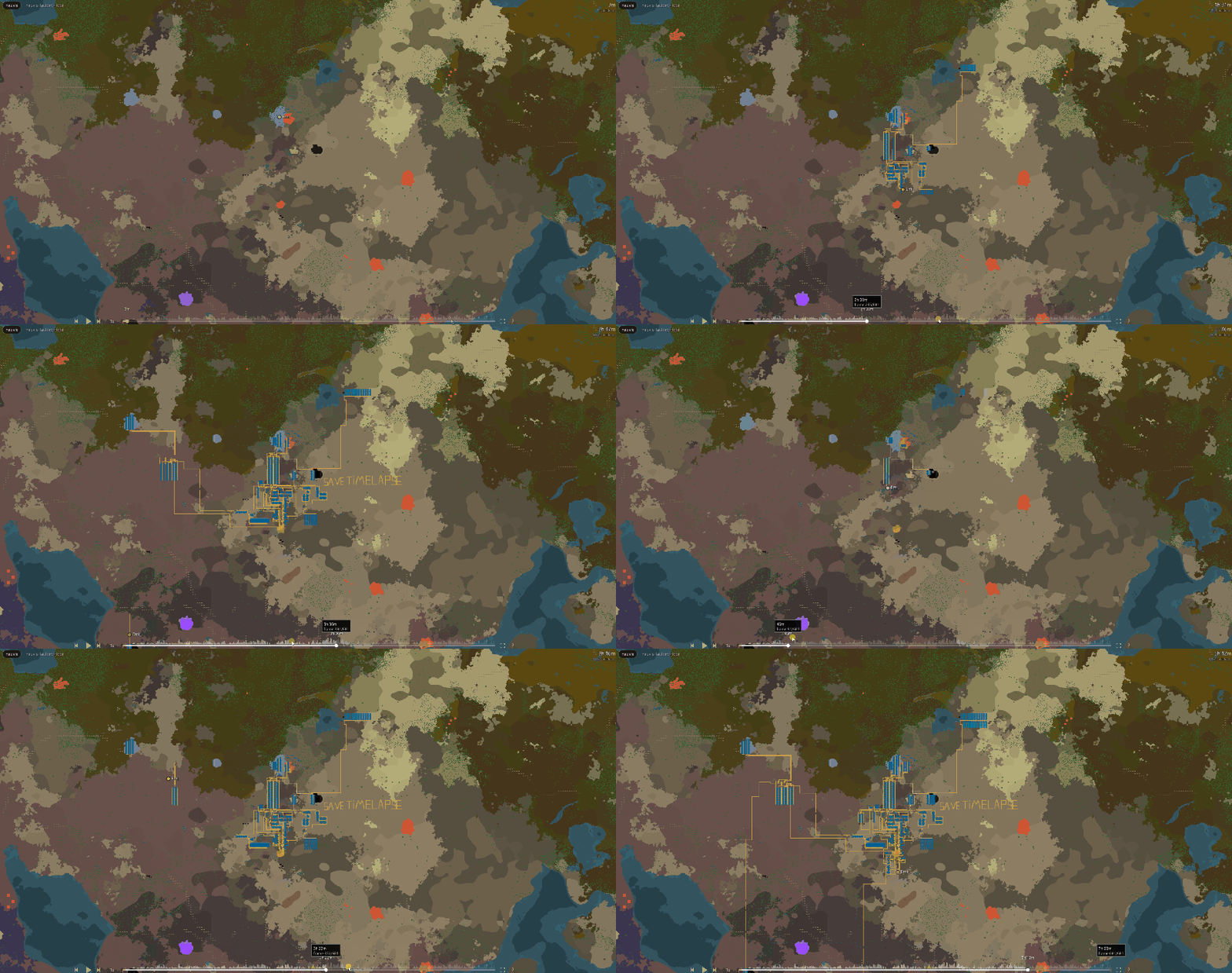
Watch the full Save Timelapse workflow on YouTube
This video was made entirely inside Save Timelapse, end to end.
Features
- Two ways in. Record as you play with the mod, or rebuild a factory's history from save files you already have.
- Cheap to record. One snapshot at the start, then only what changes. Measured on a 69 mod save: 0.02 ms per tick idle, about 0.2 ms while building with tens of thousands of bots.
- Interactive. Scrub the timeline, play at 0.25x to 8x, jump between milestones, construction activity graph, build heatmap, bookmarks.
- Optimized for gigabases. Binary formats, incremental frames, parallel loading, chunked rendering with LOD, GPU batching. A 4,000 hour gigabase with 3.7 million buildings opens and plays smoothly, even if you delete the whole thing in 1 tick.
- Factorio's own artwork. Belts weave and turn, splitters and underground belts face the right way, pipes join up, rail is drawn along the track. Buildings use their own icons.
- Any mods. Prototypes are read from your game, so Alien Biomes terrain, Krastorio2 belts and ores nobody has heard of all work with nothing to configure.
- Space Age. Every planet and space platform recorded and replayed, and you choose which to include.
- Video with nothing installed. Up to 4K, optional in-game clock and player marker burnt in. MP4 when you already have FFmpeg, AVI otherwise.
Installation
Save Timelapse has two parts. What you need depends on how you want to create your Factorio timelapse.
| Workflow | Factorio mod | Companion tool |
|---|---|---|
| Record while you play | Required | Required |
| Build from existing saves | Not required | Required |
Requirements: Factorio 2.0 or later. The companion tool ships for Windows and Linux.
Source, releases and issues: github.com/rephyr/save-timelapse
1. Install the companion tool
The companion tool is required for both workflows. It builds the timelapse, opens the interactive viewer, and exports video.
- Download the latest archive for your platform from GitHub Releases:
save-timelapse-<version>-windows.ziporsave-timelapse-<version>-linux.tar.gz. - Extract both programs into the same folder.
save-timelapselaunches the viewer, so the two must stay together. - Run
save-timelapseand choose what you want to do. It finds your Factorio installation automatically and asks only if it cannot.
2. Install the Factorio mod
You only need the mod for live capture. Skip this step if you are building a timelapse from saves you already have.
- Install Save Timelapse from this page, or in game through Settings → Mods → Install mods.
- Enable
save-timelapse-live-captureunder Settings → Mod Settings → Runtime.
The mod takes one initial snapshot of your factory and then records only what changes as you play. Press Ctrl+Shift+T in game for the control panel, where you can start and stop recording, choose which planets and platforms to record, and reset a capture.
Terrain
You do not have to decide this up front. Natural ground never changes during a playthrough, so it is read afterwards from one of your saves rather than recorded while you play. The companion tool asks when it builds your timelapse. It costs one extra Factorio run and very little size.
Trees and cliffs are different, since those do change. If you want them in a live capture, enable save-timelapse-capture-terrain under Settings → Mod Settings → Startup before the first snapshot is taken. It makes the initial snapshot considerably heavier, which is why it is off by default.
Export a video
Exporting is done from the companion tool, not from the viewer. Pick a timelapse, a resolution and a frame rate, and the file is written to a videos folder next to the program.
No video software is required. If FFmpeg is already on your PATH you are offered MP4, which is roughly fifteen times smaller and is what sharing sites accept. Otherwise the built in AVI writer is used, which needs nothing installed.
Updating
Update the mod and the companion tool together.
The capture format is frozen, so a recording you make today keeps working as the tool updates. What is not guaranteed is the other direction: a tool older than the mod that wrote a capture will refuse files it does not understand rather than silently misreading them.
Troubleshooting
"No live capture found"
Live capture is disabled, or you have not yet played with save-timelapse-live-capture enabled.
"No loadable frames found"
The companion tool is probably older than the mod that wrote the capture. Update both to the same release.
Factorio freezes when capture starts
The initial snapshot reads your entire factory in one go, which on a very large base takes a few tens of seconds. The mod tells you how many entities it is about to read and gives you a moment first. It happens once per playthrough; everything after it is incremental.