
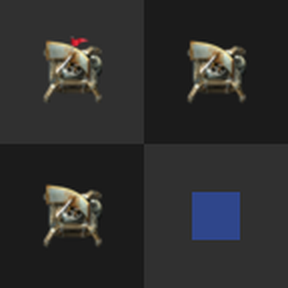
Radar Alignment Guide

Helps you place radars without overlapping coverage by highlighting placement chunks while you hold a radar, based on the coverage of a designated anchor radar.
Features
- The first radar built on a surface becomes that force's anchor. To make another radar the anchor, or to clear it, point at it and press the toggle-anchor key (default
Ctrl+Shift+A, rebindable in Settings > Controls). - While you hold a radar item or ghost, chunks aligned with the anchor's coverage are tinted. Each player can set the highlight color.
- Placing a radar, or a radar ghost from a blueprint, that covers more area than the current anchor shows a flying-text hint to re-anchor to it.
- An optional map tag (off by default) marks the anchor radar's location on the map and in remote view.