

[IN DEVELOPMENT]
Factorio Proximity Chat
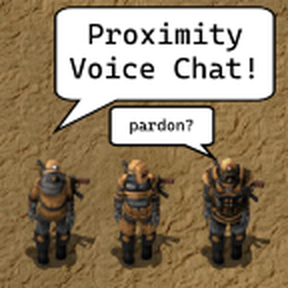
Proximity/positional audio in Factorio!
You must use Mumble for voice chat. This mod integrates with their positional audio technology.

Installation
- Download Mumble voice chat software
- Install mumble plugin (see below for more info)
- Install Factorio mod "Proximity Voice Chat" (see below for more info)
- Enable Positional Audio (PA) in Mumble
- Done!
PA will enable when you are in the same game server.

Mumble plugin installation
- Download the latest
factorio.mumble_pluginfrom the releases page. - Install the plugin in Mumble

- Enable positional audio

- Change positional audio settings to personal preference (1 metre = 1 tile in-game). Hover over each setting to see what they do. My recommendation is the following settings:

- Done! To check it works, try the positional audio viewer (requires Mumble v1.5)

Factorio mod installation
Install the Proximity voice chat mod in-game.
