
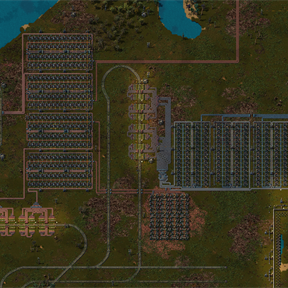
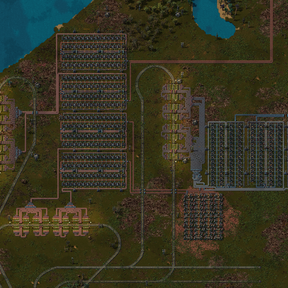
Vanilla throws you into map view as soon as you zoom out a bit. This stops that. You can keep scrolling out and still see your actual factory, and scrolling glides instead of jumping.
What it does
- Zoom out a lot further than vanilla in the normal view
- Smooth scroll zoom, with adjustable smoothing and speed (or turn it off)
- Also works in remote view and when you look at other planets
- Past a set distance the world switches to the cheap map-style drawing so your FPS survives. You stay in the normal view.
- Map view only opens when you want it: M as usual, or Alt + M / the shortcut bar button
Settings
All per player. Settings > Mod settings > Per player, changes apply right away.
- How far you can zoom out: Far / Very far / Extreme / Ludicrous
- Full detail range: Short / Medium / Long / Unlimited
- Zoom smoothing: Off / Light / Smooth / Very smooth
- Zoom speed: Slow / Normal / Fast
About FPS
Zooming way out means the game has to draw a lot more. If it gets choppy, set Full detail range to Short or Medium. Unlimited on a big base will hurt.