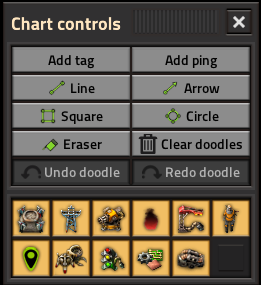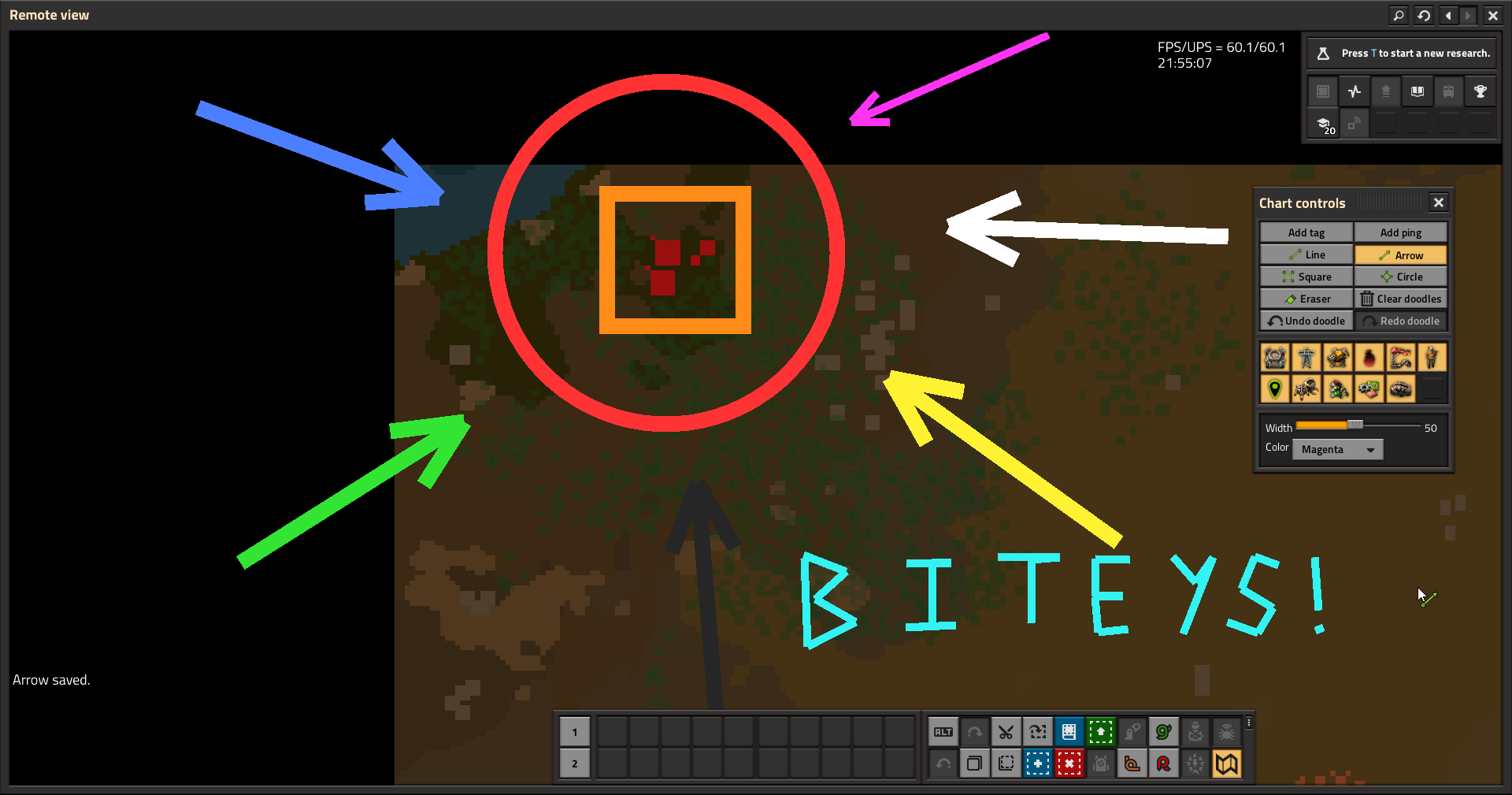
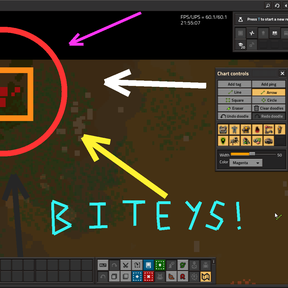
Draw lines, arrows, squares, circles, and eraser marks on the Factorio map chart. Doodle registers its tools in Chart Controls through Extensible Map Overlay Framework (EMOF).
Requires Extensible Map Overlay Framework.
Quick start
- Enable Doodle and Extensible Map Overlay Framework.
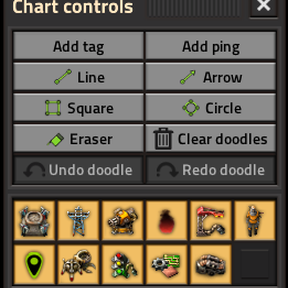
- Open the map in chart view and open Chart Controls.
- Pick a drawing tool (Line, Arrow, Square, Circle, or Eraser).
- Left-click on the map to draw. For lines, use Finish line when you have at least two points.
- Adjust width and color in the extension slot below the action buttons.
Undo and redo are available from Chart Controls and from keyboard shortcuts (see Settings → Controls → Doodle).
Mod settings
Under Settings → Mod settings → Doodle:
| Setting | Type | Description |
|---|---|---|
| Undo history size | Runtime (global) | Max undo/redo steps per player (5-200, default 50). |
| Minimum line width | Startup | Low end of the width slider (requires restart). |
| Maximum line width | Startup | High end of the width slider (requires restart). |
| Line width step | Startup | Slider increment (requires restart). |
| Default line color | Per user | Player color or a fixed preset. Applies to new player state, not existing lines. |
Screenshots