
I made this because I have an infinite inventory, and ten thousand stacks of coal in it was killing my UPS and my scrolling. Now each item keeps 10 slots (you can change that in the window) and the rest goes into a pocket dimension. When you use items up, your inventory refills from the pocket right away.
Features
The pocket
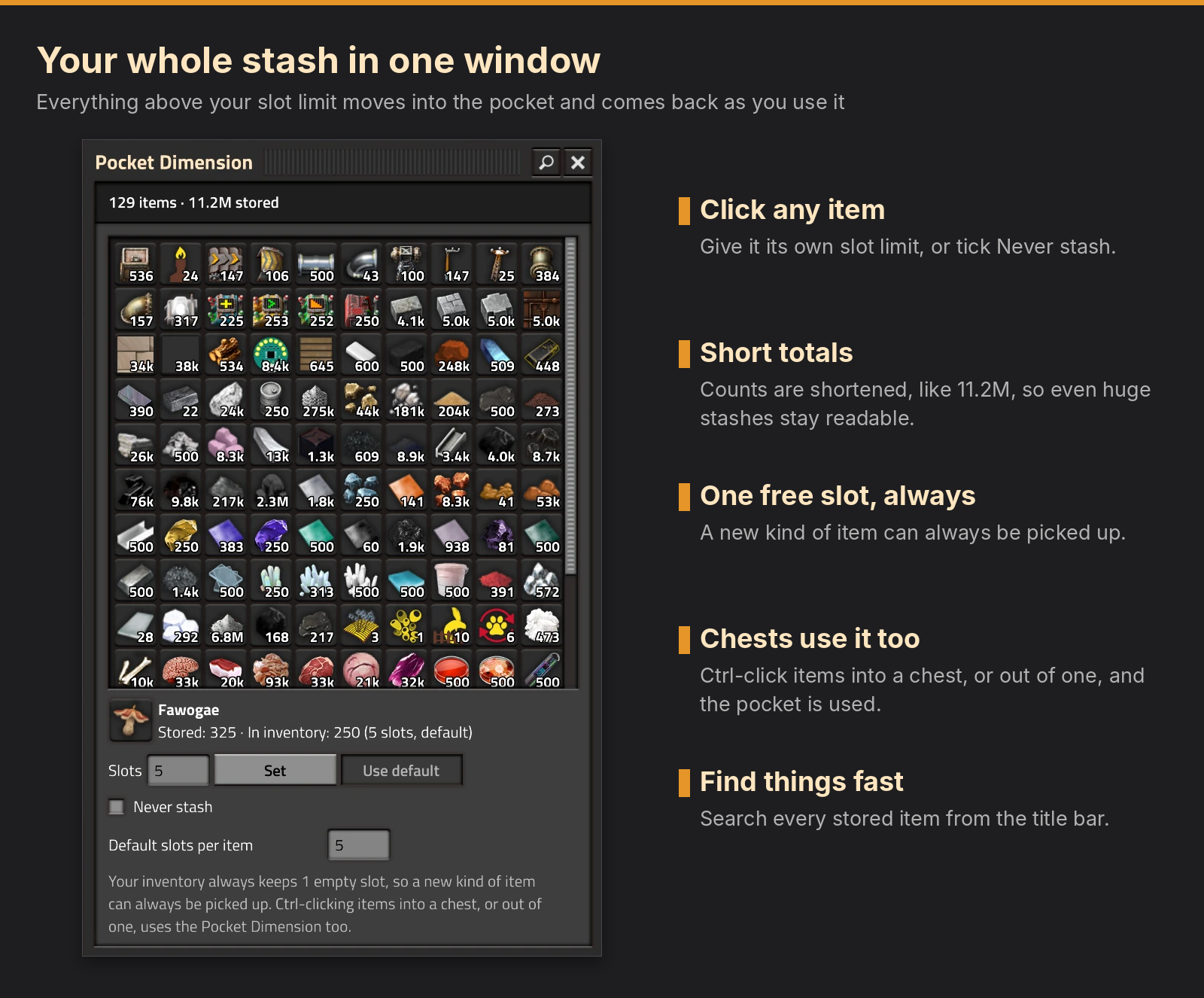
Everything over an item's slot limit goes into the pocket, and the inventory refills from it as you use items up. Each player has their own pocket (multiplayer works). Set the default limit for all items, or give single items their own limit, or tick Never stash for items you want fully in your inventory.
Chests
Ctrl-click an item into a chest, wagon or car and everything goes, the pocket included, not just the 10 slots in your inventory. Ctrl-click a chest to take everything out: what doesn't fit in your inventory goes straight into the pocket, so one click empties even a big chest. Items that can't go into the pocket stay in the chest.
Free slots
Your inventory always keeps exactly 1 empty slot. This is what lets you pick up a new kind of item even when the pocket has filled your inventory with everything else. Slots are added when fewer are empty and taken away again when more are, down to the inventory size the game gives you. Items are never lost: anything in the slots that go moves to an empty slot first.
The window
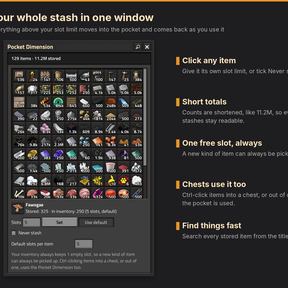
You see everything stored, with the total at the top. The magnifier in the title bar searches. Click any item and a panel shows how much is stored and in your inventory, with its slot limit and Never stash. Items with their own limit show yellow, never-stashed ones red, and they sit at the top. With lots of items a scroll bar appears. The pipette key picks up any item in the window, taking a stack out of the pocket if you have none.
Getting started
Click the Pocket Dimension button in the shortcut bar (or the pouch button at the top of the screen). Click anywhere outside the window to close it. There are no mod settings, everything is in the window: the default slots per item at the bottom, and per-item limits in the panel under the items. Type a number and press Enter, or just click anywhere else, and it is set. If the button isn't in your shortcut bar, add it from the shortcut bar's selection menu.
FAQ
Does it cost UPS?
Nothing runs while your inventory doesn't change. When it does, one quick pass tidies it up.
Why do some items stay in my inventory?
Items that carry data of their own (named caravans, armor with equipment, blueprints, items with their own inventory) and items that spoil are never moved into the pocket, because they would lose their contents or their freshness. They stay in your inventory no matter what the limit says.
Does it work with other inventory mods?
It only uses the game's own inventory events, so it should. If something misbehaves, tell me which mods you run.
Feedback and bug reports
Bug reports and ideas are welcome in the Discussion tab. For a bug, please say what you were doing (Ctrl-click, the window, free slots) and which other inventory mods you run, especially ones that change your number of inventory slots.
AI disclosure
Inventory Declutter Pocket Dimension was made with the help of AI. The code was written with Anthropic's Claude under my direction. I designed how it works, made every decision and tested it in my own Pyanodon game.