Arknights Endfield: Yvonne Player Skin


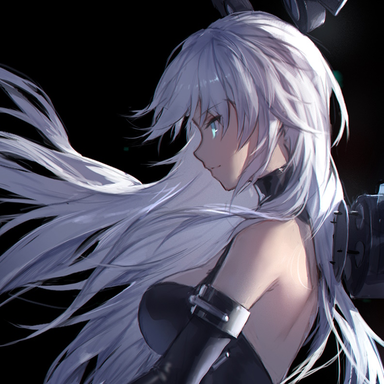
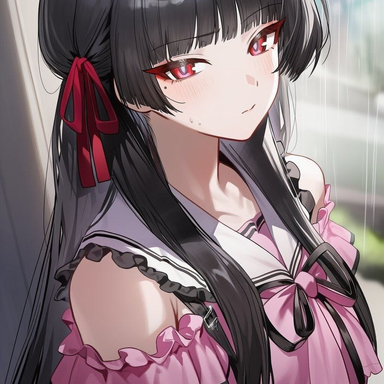
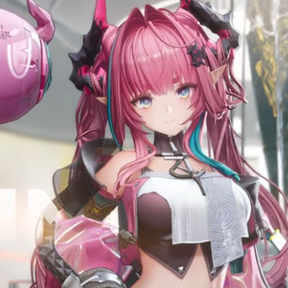
Hi! We meet again, just call me Yvonne! - Yvonne from Arknights Endfield as a player skin in Factorio. Code based on TF2 Engineer mod by Dank Hank. Yvonne model animated and rendered by CPU-BlackHeart (AKA Skewer).

Tweaks
23 days ago
2.0
1.03K

g Software for renders

a month ago

Hello. The skin is excellent, I'm using it for my current run. Could you tell me what software I could use to create similar renders? Is there any automation for compiling into a single file? Could you give me a brief overview? I'm familiar with code, but not so much with 3D and animation. But I want to try creating my own skin.

a month ago

So you would use Blender to do all your renders and animations, it's free. I use 5.0 ; I also tend to use MMD models since they're the easiest to work with in my experience. If you chose to do so, you'll need the MMD Tools plugin for blender, just google it. Otherwise, everything else, animations, renders, etc, it's all set up individually, but you can follow this video to set up a proper blender render file:
https://www.youtube.com/watch?v=h36kd6wiWy8&t=670s&pp=ygUgbWFraW5nIHNwcml0ZSBzaGVldHMgaW4gZmFjdG9yaW8%3D

a month ago

This is very useful overview.
Thank you very much! I will look into it.

a month ago

Hi, I'm new to modding. I've set up my character model, but I'm having trouble with the animations. Could you tell me where I can find running animations and other animations for Factorio?

a month ago
(updated a month ago)

You generally won't be able to find any for most models, you'll have to make them from scratch. If you're using MMD models, it's possible you can recycle a running animation and idle animation, google should help you find any if they exist. Any others like mining, shooting, death, etc, all those will need to be made from scratch. Speaking of scratch, generally it doesn't take much, just time and patience: you just need to know how to properly position characters and utilize key frames. Some tips for animation (while in animation tab):
"A" key on the main window will select all your bones.
"I" key while your mouse is over the timeline window (generally the bottom) will lock in animation positions. You do not want to switch frames until you've key'd in any adjustments; or you will lose them with no way to get them back. Generally best to do this when you have all bones selected if you're just starting out with animation.
Save often.

25 days ago

Is there any way to contact you outside of the forum?

24 days ago

Factorio discord, look for CPU Black Heart or a user by the name of "Skewer"

New response