
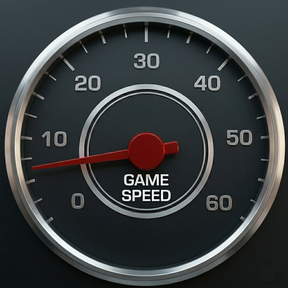

Game Speed Control
Control game speed using keyboard controls.
Features
- Increase or decrease game speed using custom key bindings
- Configure which speeds are used through the settings gui
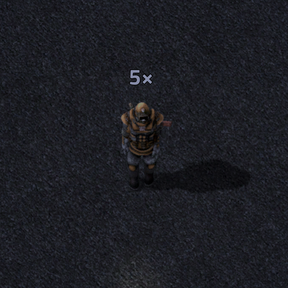
- Shows the current speed above your character when it is not
1× - Functional and informative without using mod-gui buttons
Usage
Default key bindings:
- Increase speed:
Ctrl + = - Decrease speed:
Ctrl + -
You can change these bindings in the controls menu.
Pressing the opposite shortcut returns the game speed to 1×.
Settings
Click the shortcut button to open the settings gui:
- Speeds < 1 — slower than normal
- Speeds > 1 — faster than normal
Enter values separated by spaces.
- The minimum allowed game speed is 0.01
- The maximum allowed game speed is 60
- Any values outside this range are ignored
An empty list of speeds is valid.
While 60 is the speed limit, the actual speed will depend on fast your computer can run your factory.
Notes
- Speed changes affect how fast the game runs in real time
- The overhead display only appears when the speed is not
1×