
Container Item Planner
Plan the contents of a chest or other compatible storage container, expand items into recipe ingredients, and create a blueprint with item insertion requests.
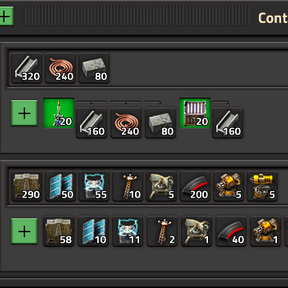
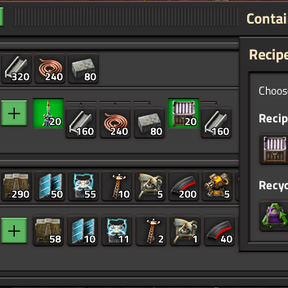
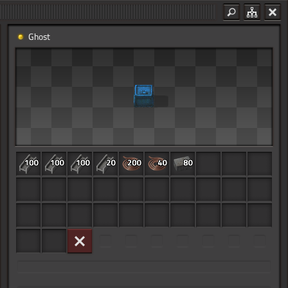
Open the planner with the shortcut button or press Ctrl+Shift+B. Add plan lines, choose a container and quality, enter requested items, and expand recipes to see ingredient requirements. Filter items from the generated blueprint or adjust the plan multiplier. When the included items fit the selected container, create a blueprint with the requested item ghosts.
The planner supports compatible storage containers from vanilla and other installed mods. Recipe expansion is manual, fluid ingredients are shown but are not included in item totals or blueprints, and generated blueprints contain one container entity.