
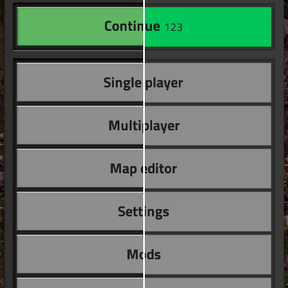

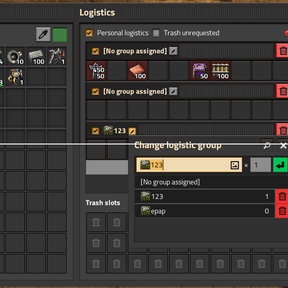
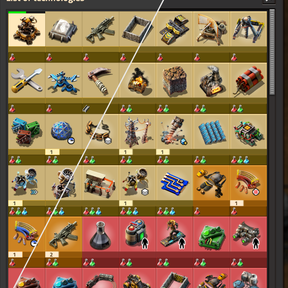
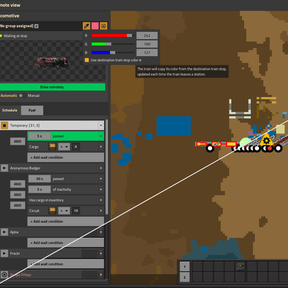
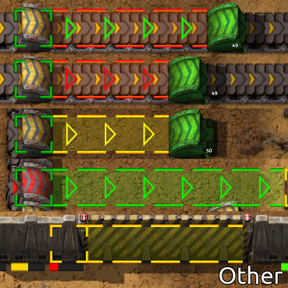
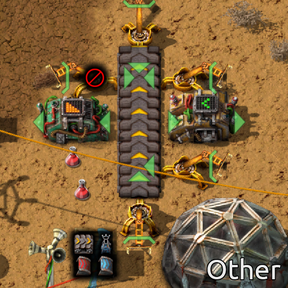
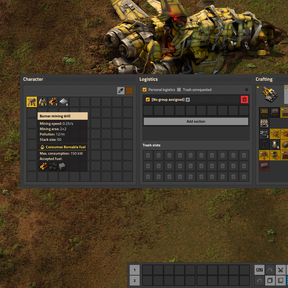
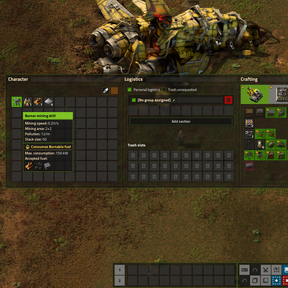
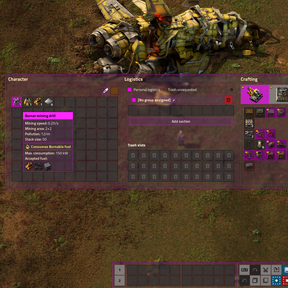
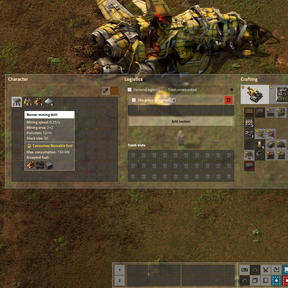
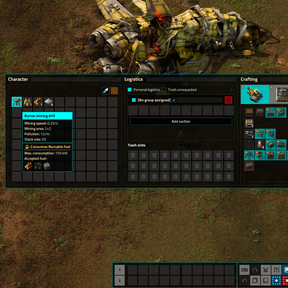
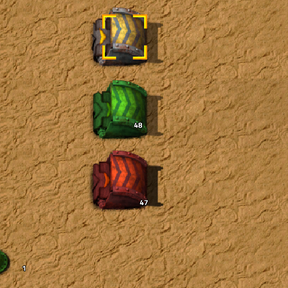
FlatUI is a mod that completely transforms the Factorio interface. All graphical elements have been redrawn by hand and thoroughly tested.
🎨 Features
Interface Style
Choose one of three styles:
- Default — keeps the interface as in the original game, but applies other settings.
- Flat — minimalist flat design.
- Transparent — modern semi-transparent interface with customizable colors.
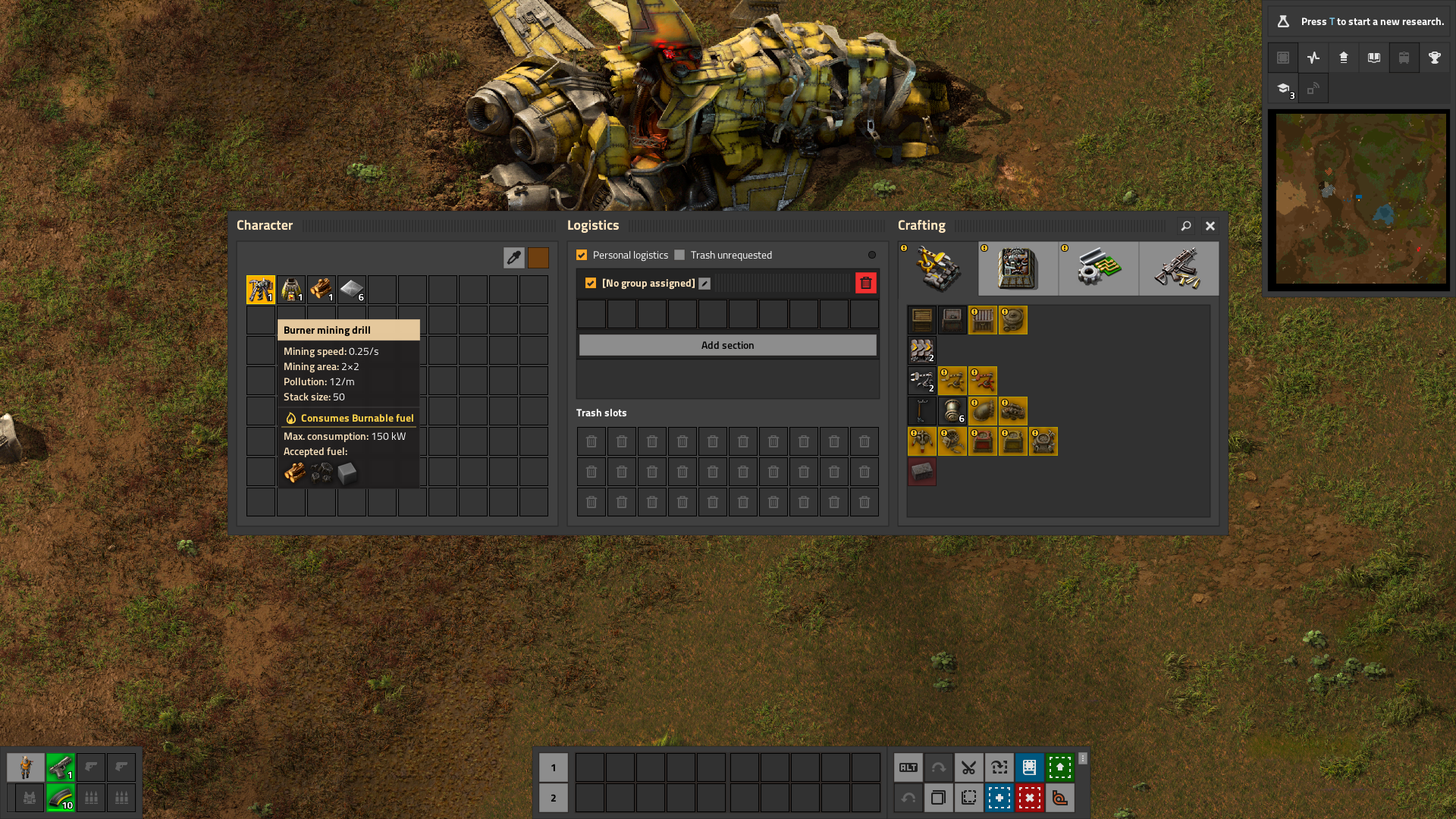
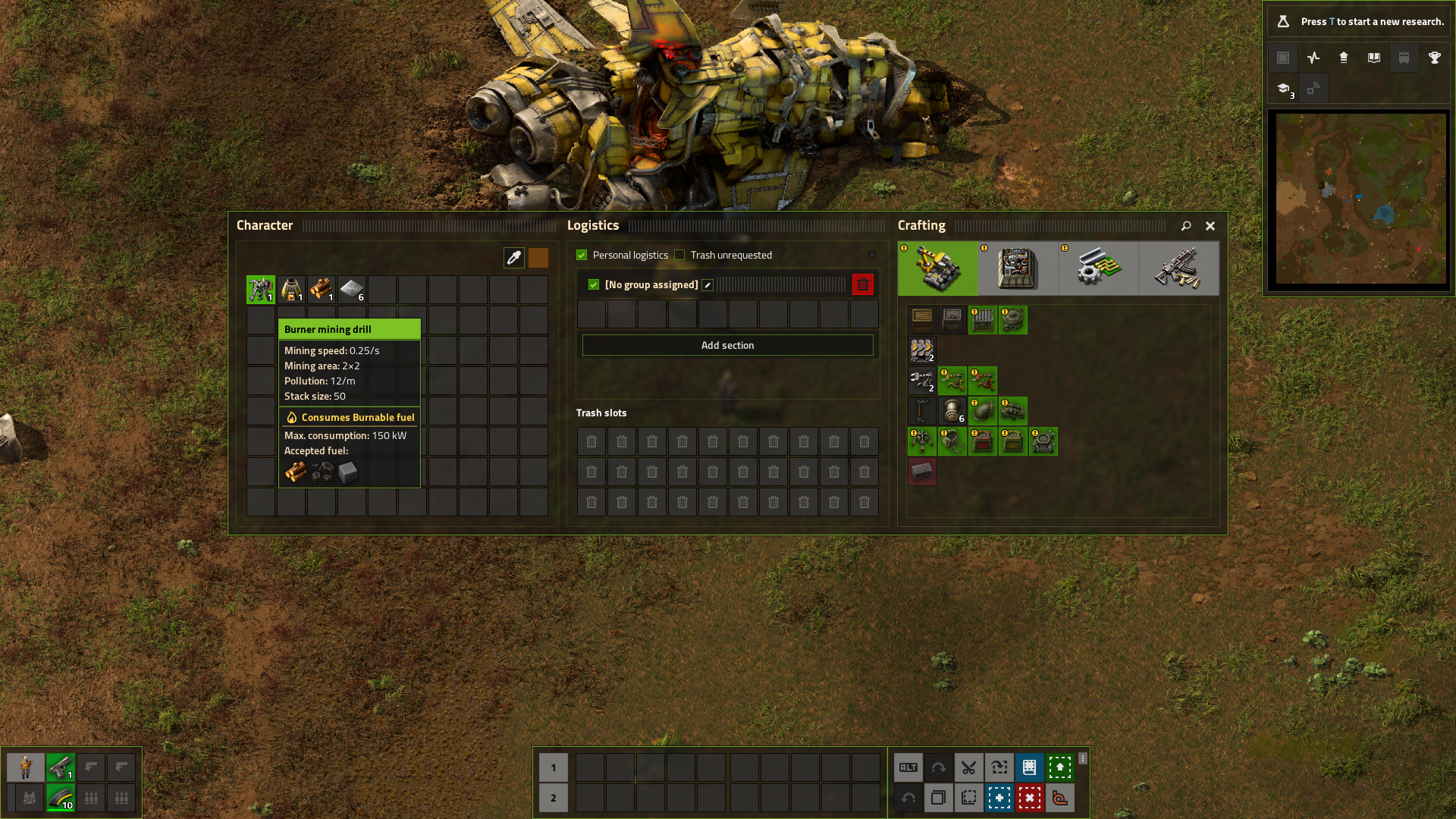
Main Color and Accent Color
For the Transparent interface, you can choose a main color and an accent color. The accent color is used for highlighting elements. You can select one of the preset colors or set your own custom color.
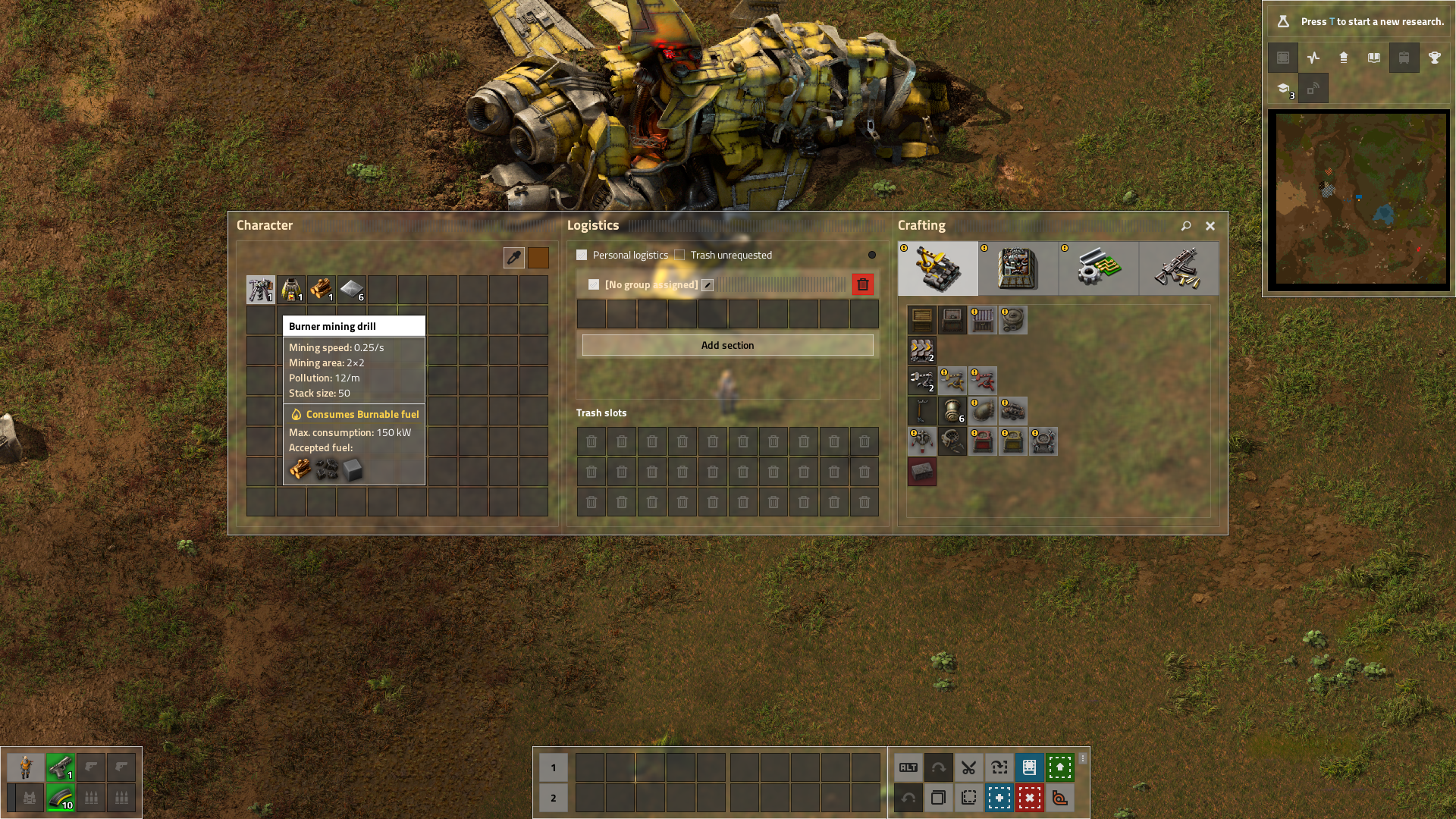
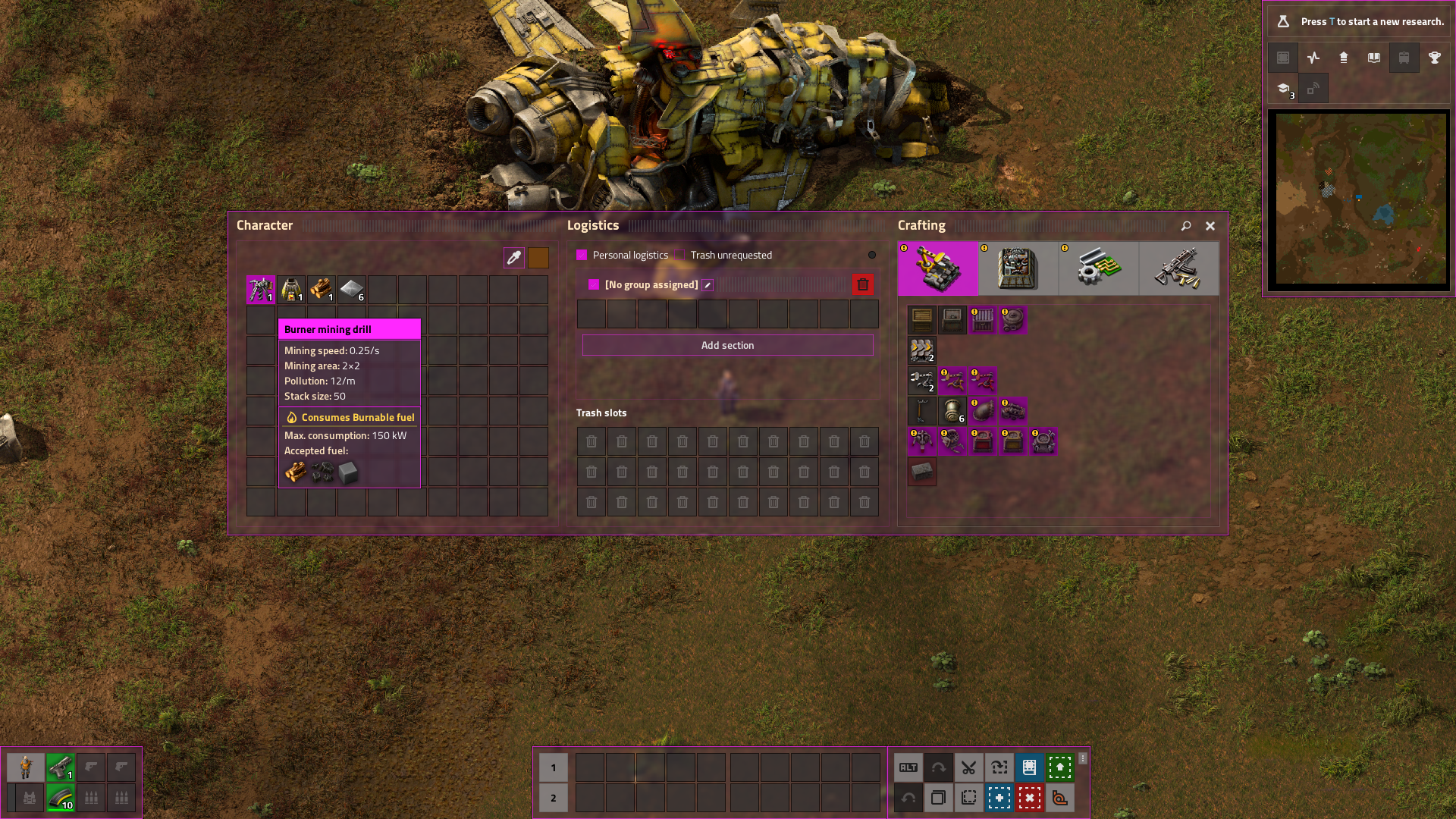
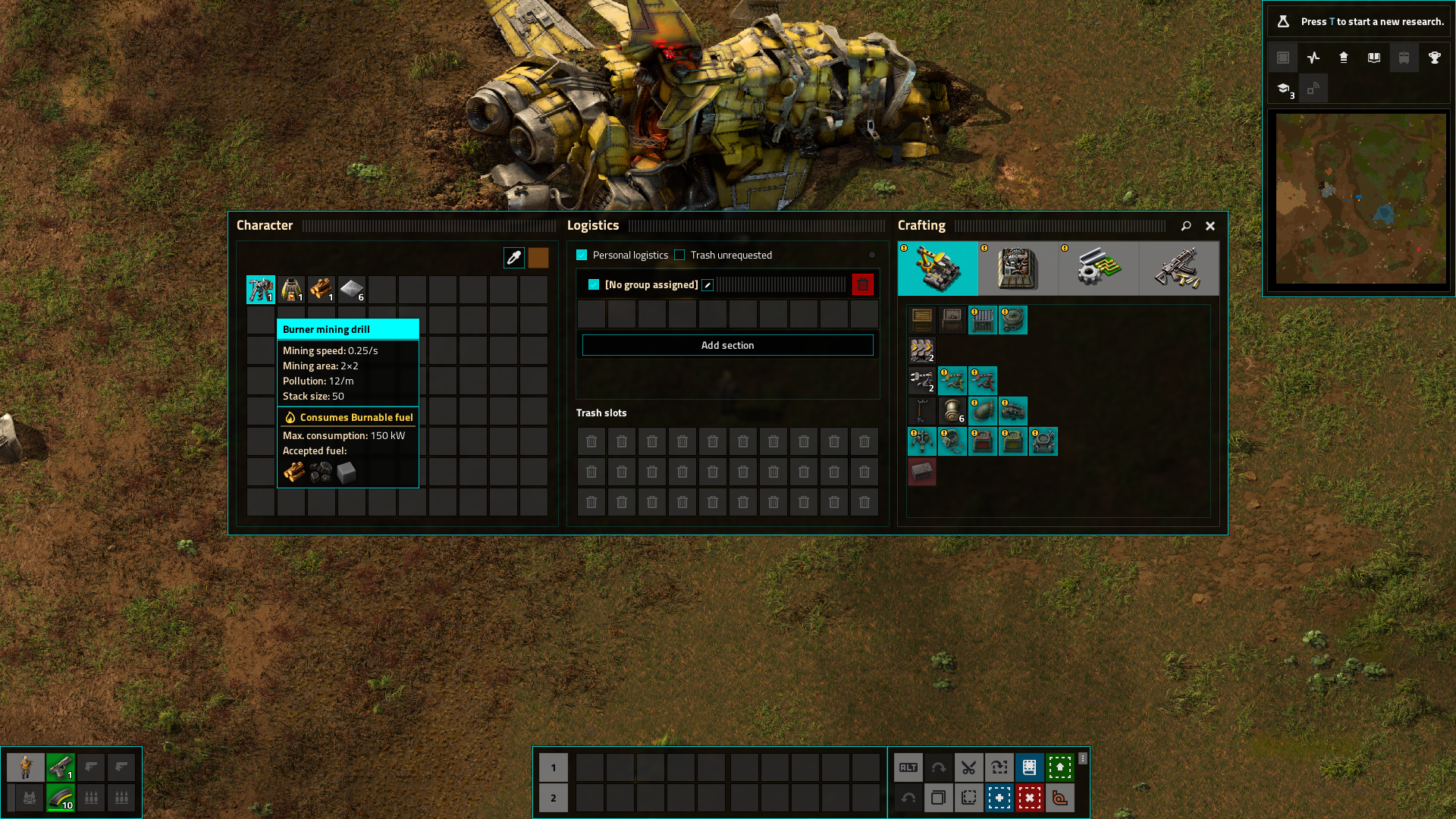
Invert Element Colors
Inverts the color of text and icons on some buttons. Enable this if you're using a dark main color with the Transparent interface.
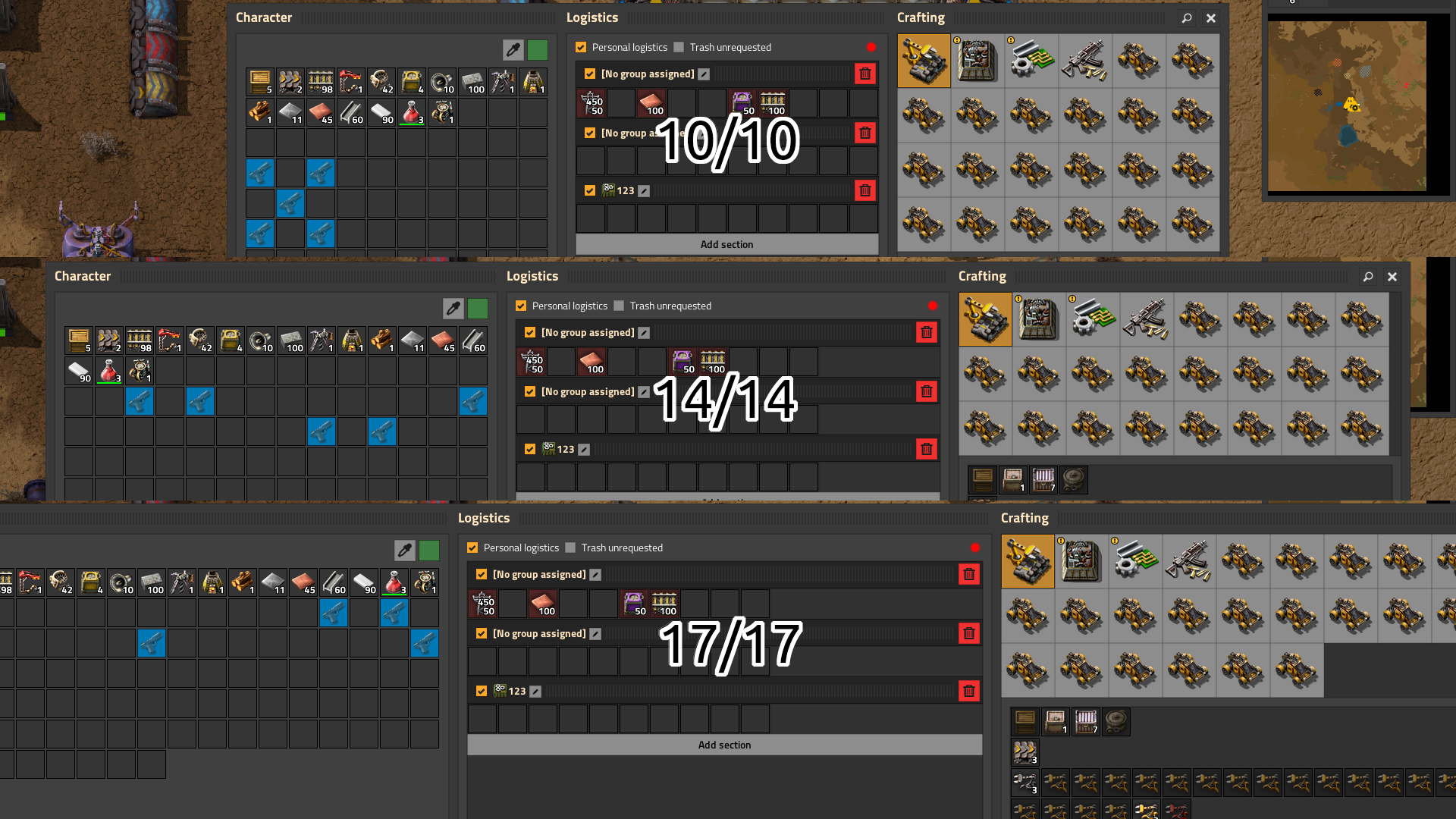
Inventory Window Width and Recipe Window Width
Changes the width of inventory and recipe windows. Useful for modpacks with many recipes. Recommended not to set the size larger than 14/17. Use 10/14 or 10/17.
As of update 2.0, the logistics window width also scales accordingly.
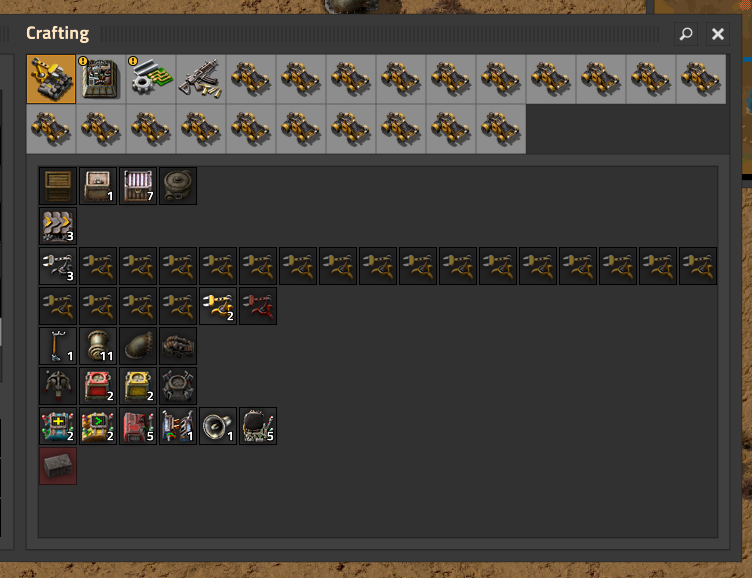
Recipe Group Button Size
If your modpack has many recipe tabs, you can reduce the button size to save space. Options include 60, 50, or 40 pixels (default is 71).
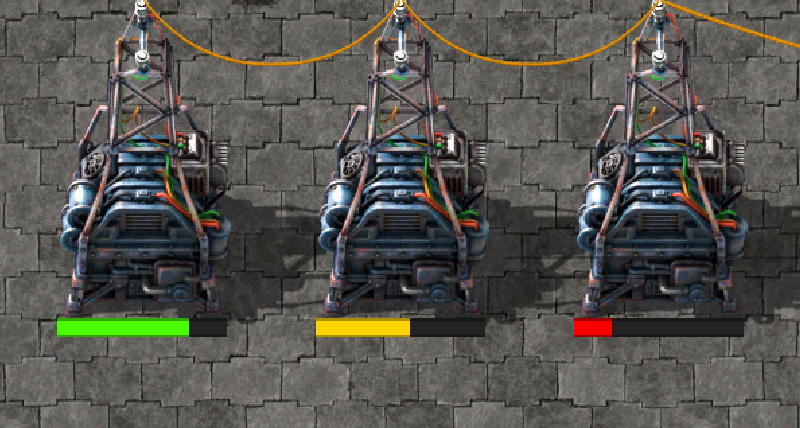
Health Bar
A new, clearer health bar display.
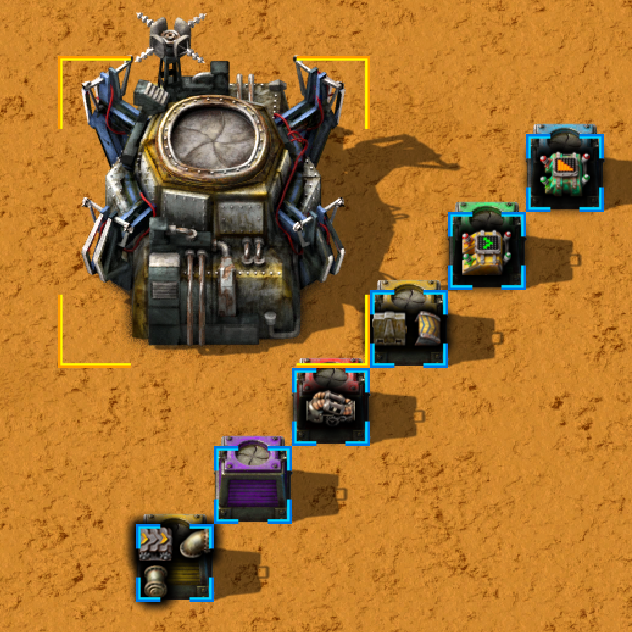
Cursor Frames
Updated visuals for cursor selection boxes.
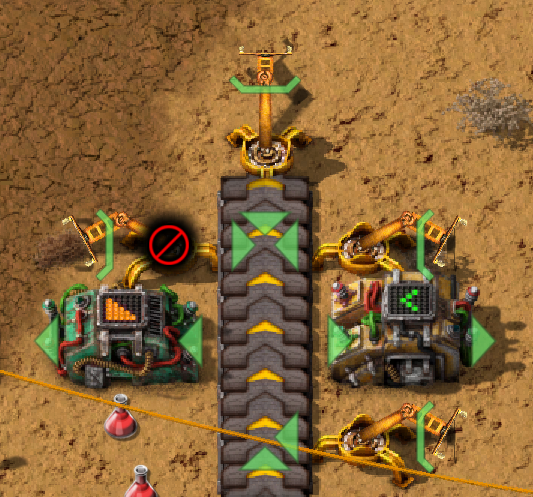
"Arrow" and "Line" Indicators
New indicator styles for inserters, combinators, drills, and other entities. Indicator colors can be customized separately.
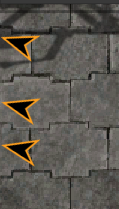
"Alert" Arrow
Updated design for the edge-of-screen alert arrow. You can adjust its size and color.
Underground Connection Indicators
New visual style for underground connections on belts, pipes, and gates.
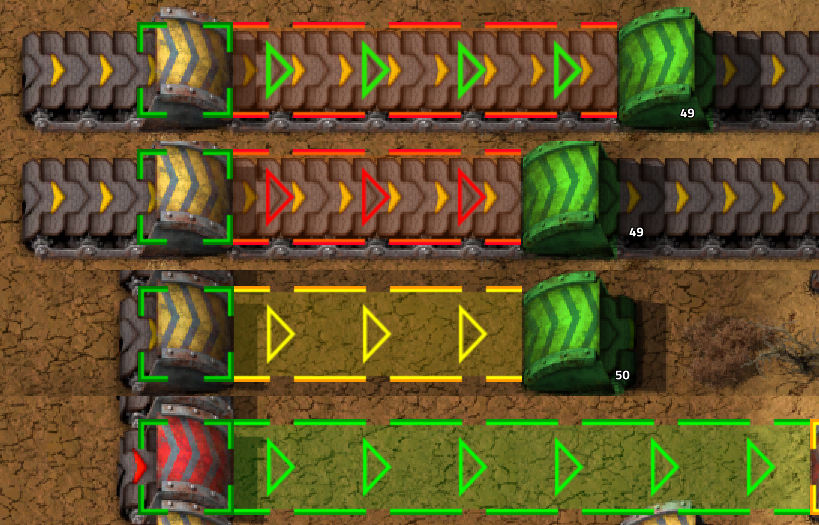
Radius Visualizations
When holding certain entities in the cursor, their radii are now displayed:
- Underground Belts — maximum connection distance.
- Pipe-to-Ground — maximum connection distance.
- Land Mines — trigger radius.
- Lamps — light radius.
- Radars — constant coverage radius.
Each radius can be toggled on or off individually in the settings.
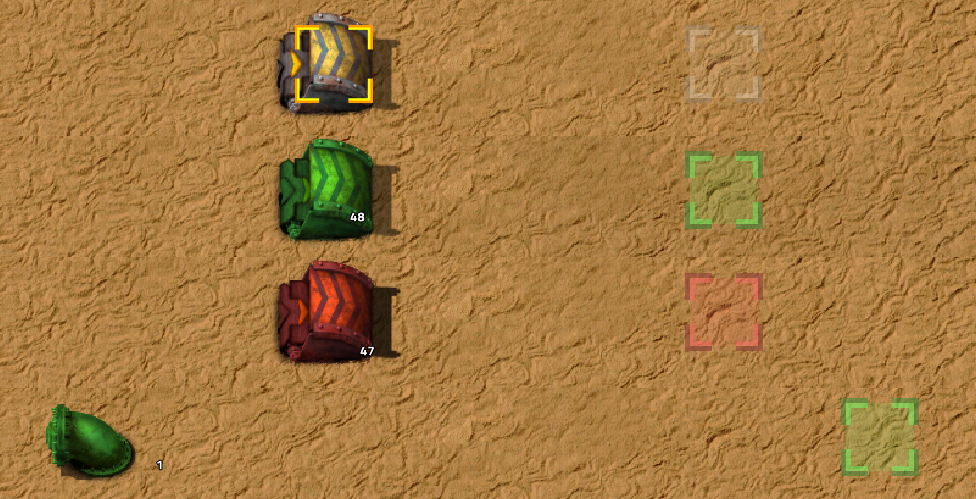
Other UI Elements
Many smaller elements have been improved: cancel button, slots, indicators, arrows, and more.
⚙️ Settings
All mod features are fully configurable via Settings → Mods. You can enable or disable individual UI elements, change colors, sizes, and more.
🌍 Localization
The mod is translated into the following languages:
| Language | Code |
|---|---|
| 🇬🇧 English | en |
| 🇪🇸 Español | es-ES |
| 🇫🇷 Français | fr |
| 🇩🇪 Deutsch | de |
| 🇮🇹 Italiano | it |
| 🇯🇵 日本語 | ja |
| 🇰🇷 한국어 | ko |
| 🇵🇱 Polski | pl |
| 🇧🇷 Português (Brasil) | pt-BR |
| 🇷🇺 Русский | ru |
| 🇺🇦 Українська | uk |
| 🇨🇳 简体中文 | zh-CN |
⚠️ Note: Translations were done using automated tools. If you find an error or want to improve a translation — feel free to create a Pull Request on GitHub or contact me on Discord.
🔧 Compatibility
- ✅ Safe to install and uninstall at any time.
- ✅ Works in multiplayer.
- ✅ Compatible with most mods (special support is included for some).
📬 Contact
If you find a bug, visual artifact, or have a suggestion — feel free to reach out:
- Discord
- GitHub